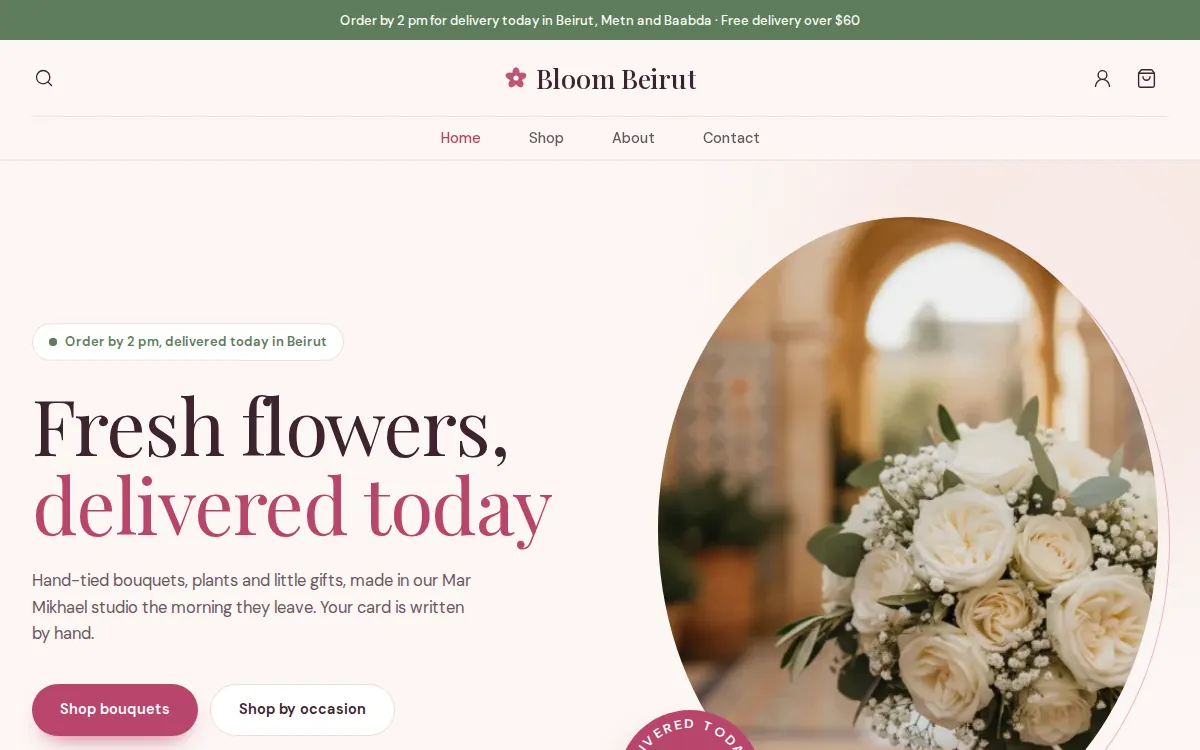
An online flower shop, with the right card on the right day.
Mahallat lets customers choose a bouquet by occasion, pick the delivery day and time, send it to someone else and write the card message at checkout. You prepare it, deliver it and confirm, with Whish or cash on delivery.

What changes for you
Orders by DM, and the card message lost somewhere in the chat.
The card message is a field at checkout, and it prints on the packing slip.
Who pays and who receives get mixed up.
Checkout asks for the recipient's name and phone, apart from the buyer's.
Valentine's and Mother's Day bring more orders than you can make.
Delivery windows with a capacity: when a window is full, customers pick another one.
What you will use every day
Shop by occasion
Birthday, love, new baby, get well: occasions as collections, shown as round pictures on the Bloom home page.
Delivery slots
A day and a time window at checkout, each window with its own notice time and capacity.
Card message and wrapping
Turn on gifts in your checkout settings: a card message and wrapping, free or at your price.
No stock to count
Turn off Track quantity for bouquets you make on the day; keep it for vases and chocolate.
- Bouquets and arrangements
- Roses by the dozen
- Wedding and event flowers
- Plants and orchids
- Flowers with chocolate
Questions, answered
Can customers send flowers to someone else?
Yes. Checkout has a separate name and phone for the person receiving them, and a field for the card message.
Can I offer same-day delivery?
Yes, through your delivery windows: each one has a notice time in hours and a capacity, so customers only pick what you can still make.
Do I have to count every bouquet?
No. Turn off Track quantity for bouquets made to order, and keep stock only for what you buy in.
Read next
Your store, ready by the end of the week.
Start your 14-day free trial, or let us build the store for you. Then from $20 a month, paid by Whish.
No card. No contract. No transaction fees.