Estate: a real estate website template for Lebanon
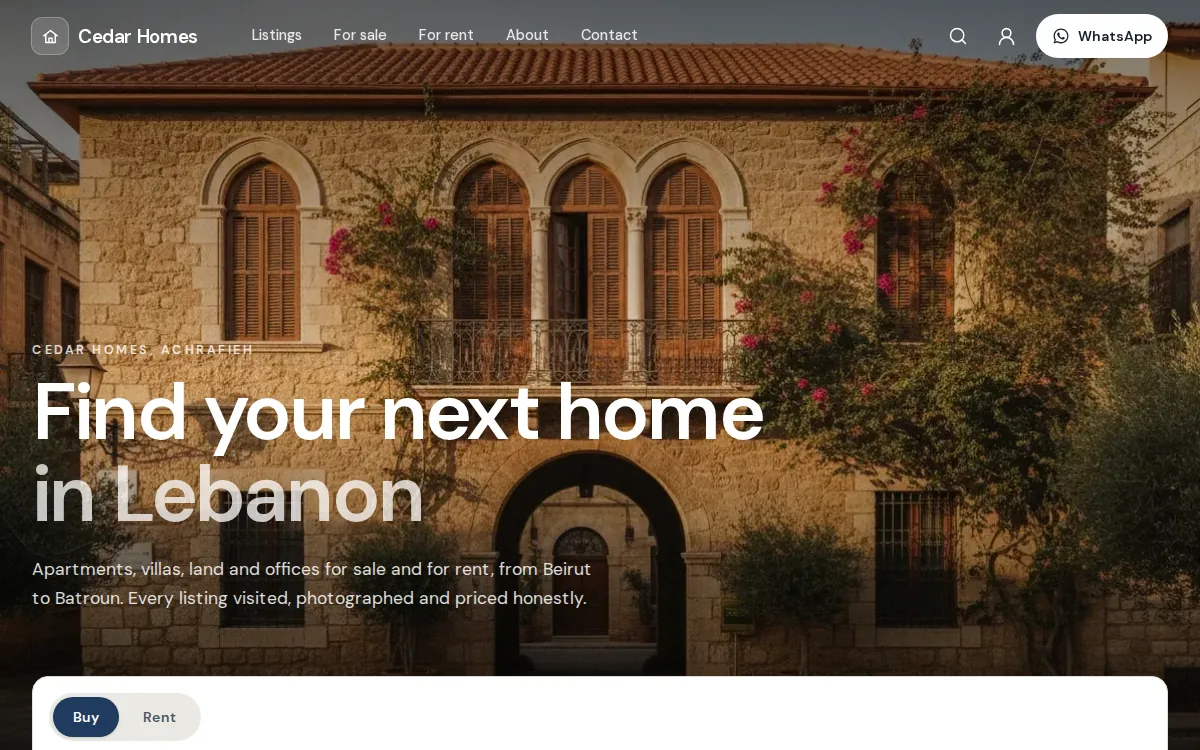
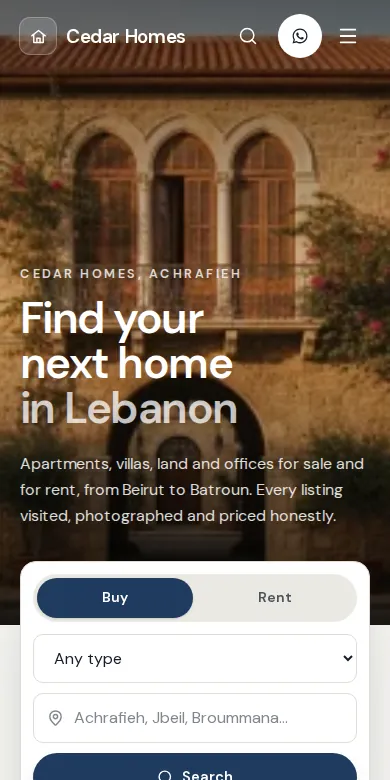
Estate is the Mahallat template for real estate agencies, developers and owners in Lebanon: every property is a listing with big photos, the price and its key facts, and visitors ask about it with a short form or on WhatsApp instead of paying online. New Estate stores start in catalog mode, and its live demo store is Cedar Homes.
Who is Estate for?
Agencies and brokers with apartments, villas, land and offices for sale or for rent, developers presenting the units of a project, and owners of chalets and rentals. Anyone whose customer needs to visit before deciding.
- Real estate agencies
- Brokers
- Developers
- Rentals and chalets
- Land and plots
- Offices and shops for rent
What is on an Estate store?
The demo store's pages as they are today. Every section can be edited, moved, hidden or added in the editor.
The home page, top to bottom
A photo hero with a search card
A full-width photo, then a search card: Buy or Rent, the type of property and the area.
Promises
Why people can trust you: every listing visited, papers checked, visits arranged quickly.
Featured listings
Your best listings; on a computer the first one is large, with the price and the facts on the photo.
Browse by type
Apartments, villas, land, chalets and offices, one tile per type.
How we work
A picture with your steps, from the first visit to the keys, shown as numbered steps.
Just listed
The newest listings, filled by themselves.
Reviews, questions and an agent
What clients say, an FAQ about fees and visits, and an agent panel with WhatsApp and a call button.
On every listing
Cards that lead with the price
Then the place, and the bedrooms, bathrooms and area in one row. Land has no bedrooms: a missing fact is left out.
Listing facts in one click
Add listing facts in the product editor inserts Type, Deal, Bedrooms, Bathrooms, Area (m²), Location, Floor and Parking. The listing page shows them as tiles under the price.
Listings pages
Tabs for all, for sale and for rent, and the property types as chips.
Price on request
Leave the price at 0 and the listing reads Price on request.
How do visitors ask about a property?
- They open a listing and tap Ask about this, or WhatsApp us.
- The form asks for a name, a phone number and a message. WhatsApp opens with the listing's name and link already written.
- You get an email and a push notification, the question waits in Inquiries in your dashboard, and Reply on WhatsApp opens the chat with one tap.
What comes with every template?
Many looks, one system behind them. Whichever you pick, you get the same editor, the same dashboard and the same checkout.
The visual editor
Change texts, photos and sections, preview on a computer and on a phone, then publish when it is ready.
The website editorYour colours and fonts
Six colour sets made for each template or your own colours, eight font pairs, and the shape of buttons and cards.
See what you can changeSwitch any time
Pick another template in the editor: every page keeps its sections, texts and pictures, and your products, stock and orders stay exactly as they are.
Compare the templatesCheckout or catalog
As an online shop, customers check out with cash on delivery or Whish. As a catalog, they ask with Ask about this or WhatsApp. You choose in Settings, Checkout.
The Lebanese checkoutThe whole business behind it
Products and stock, orders, in-store sales, customers, discounts and analytics, in one dashboard.
All featuresOn every plan
Every template comes with every plan, and every new store starts with a 14-day free trial.
PricingQuestions about Estate
Anything else? Ask us on WhatsApp. A person answers.
Can people buy a property online with Estate?
No, and they should not have to. Estate stores start in catalog mode: there is no cart and no checkout, only Ask about this and WhatsApp on every listing. If you ever sell something that can be paid online, switch to Online shop in Settings, Checkout.
Can I hide the price of a listing?
Yes. Set the price to 0 and the listing shows Price on request. It keeps its photos, its facts and the Ask about this button.
Can I show listings for sale and for rent on the same site?
Yes. The Deal fact says Sale or Rent. Make a For sale and a For rent collection, as the demo does, and the Buy and Rent buttons of the hero search open them.
Where do the questions go?
To Inquiries in your dashboard, with the listing, the name and the phone number. You also get an email and a push notification, and you reply on WhatsApp with one tap. Mahallat never sends WhatsApp messages by itself.
Can a developer list the units of one project?
Yes. Add each unit as a listing and group them in a collection named after the project, with its own picture and description.
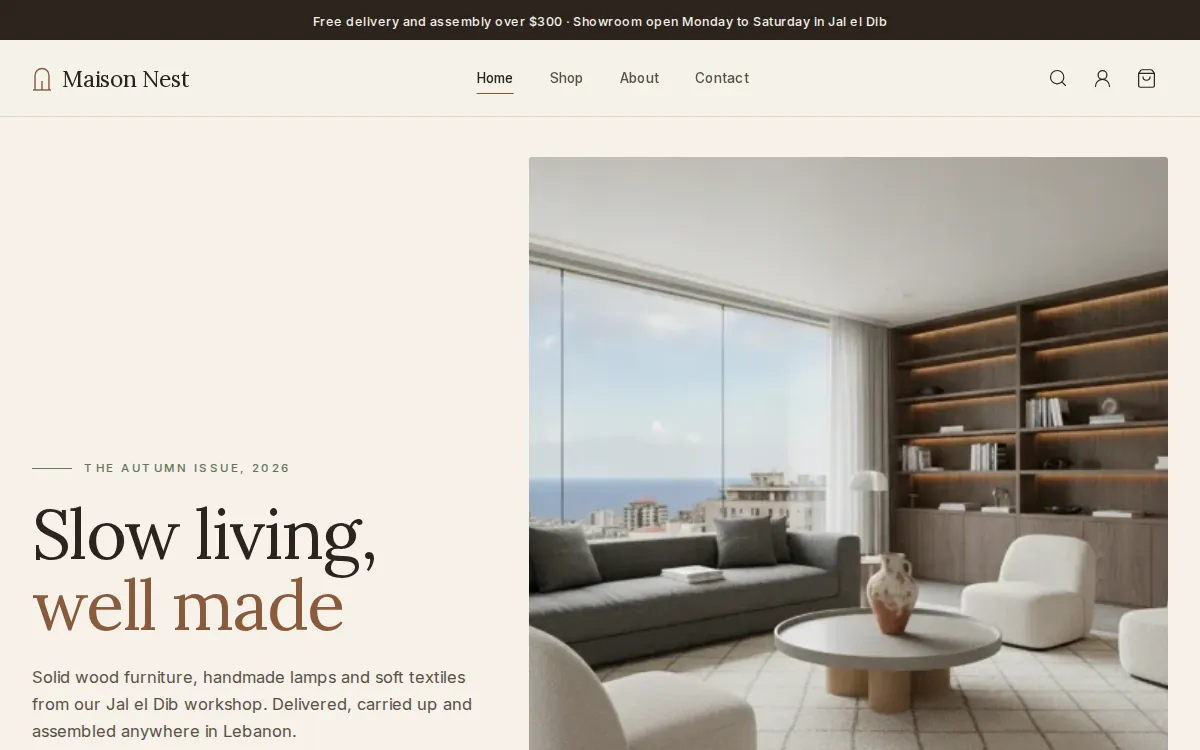
Other templates to compare
All templates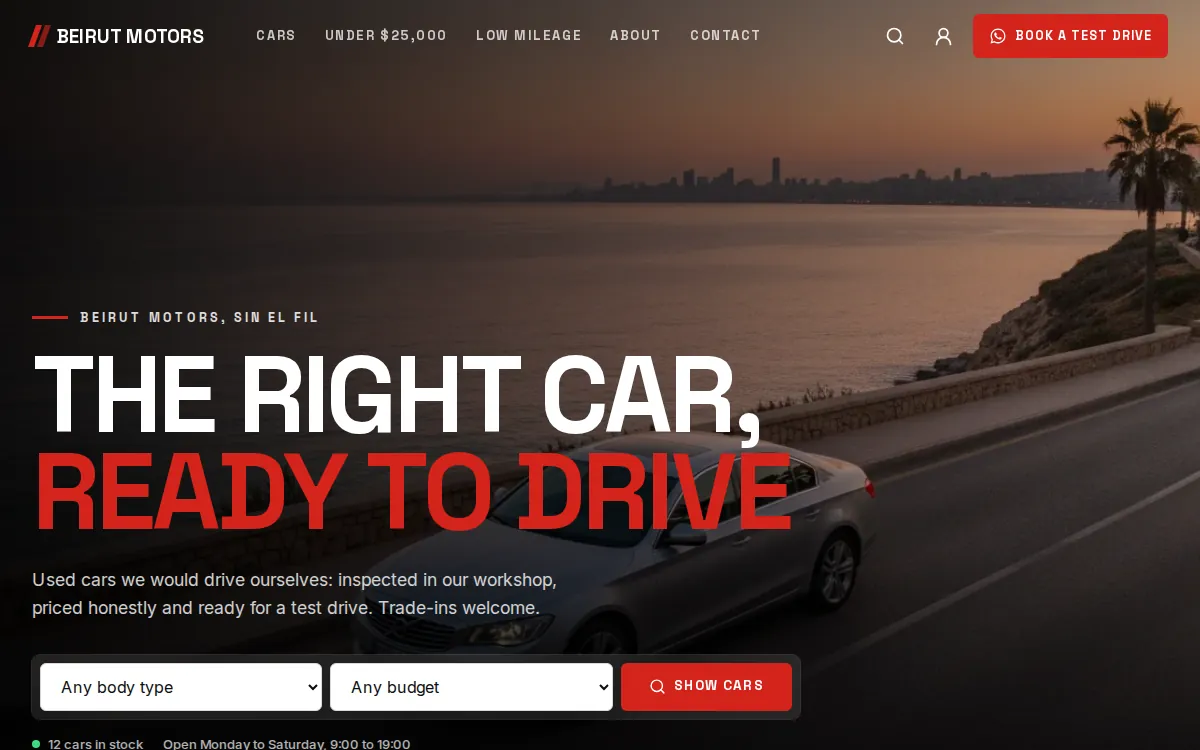
Your store, ready by the end of the week.
Start your 14-day free trial, or let us build the store for you. Then from $20 a month, paid by Whish.
No card. No contract. No transaction fees.