Menu: a restaurant and cafe website template for Lebanon
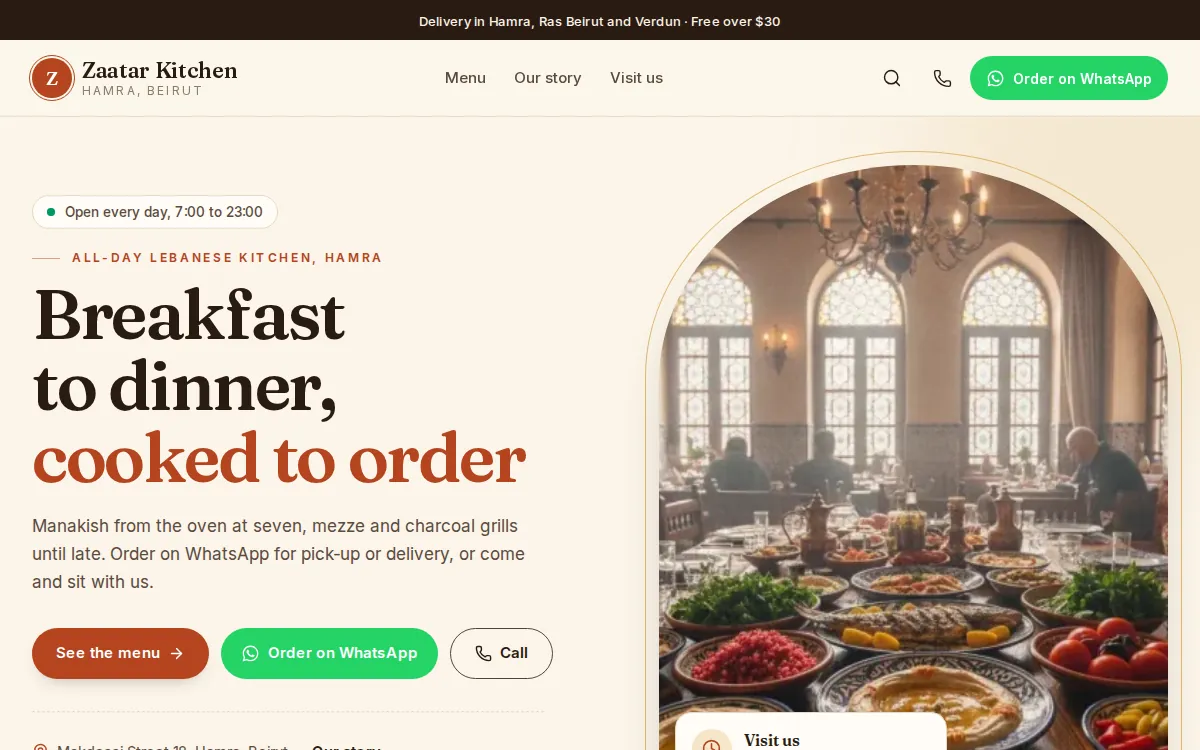
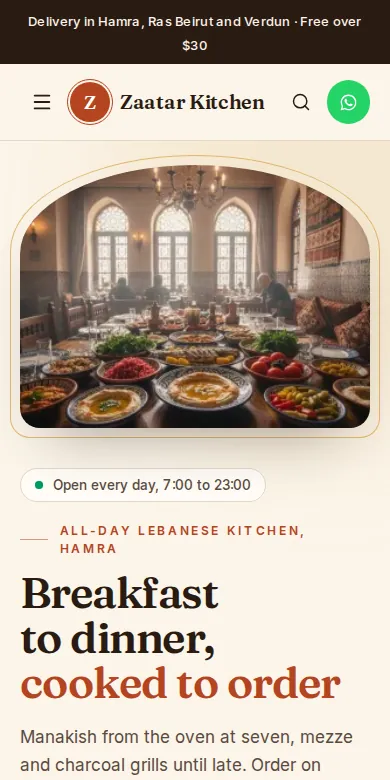
Menu is the Mahallat template for restaurants, cafes and snacks: your menu online in sections, every dish with its photo, description and price, and Order on WhatsApp and Call always within reach. It starts in catalog mode, so customers order by message and you confirm each order yourself; its live demo store is Zaatar Kitchen.
Who is Menu for?
Restaurants, cafes, snacks, juice bars and caterers who take orders by phone and WhatsApp today and want a menu people can open from a link in their bio or on a table.
- Restaurants
- Cafes
- Snacks and sandwiches
- Juice bars
- Catering
- Delivery kitchens
What is on a Menu store?
The demo store's pages as they are today. Every section can be edited, moved, hidden or added in the editor.
The home page, top to bottom
An arched hero
Your headline beside an arched picture, like the window of an old Beirut house, with See the menu, Order on WhatsApp and Call.
The practical strip
Four short facts right under the hero, here open every day, delivery in 45 minutes and a terrace.
The menu's sections
Breakfast, manakish, mezze, grills, desserts and drinks as round pictures, like the first page of a menu.
Today's menu
A menu board with a tab per section and its dishes next to a picture.
The kitchen
A picture with a few words about how you cook.
Most ordered
The plates people come back for, from a collection.
Reviews and the order panel
What customers say, then a dark panel like a chalkboard with WhatsApp and the phone side by side.
On every dish
Dishes like a printed menu
The name, a dotted line to the price, one line of description and a small picture.
The whole menu on one page
One column on phones, two on a computer, with chips that jump to each section.
Options
Size, sugar, side, topping or bread, each with its own price.
Diet and allergens
Diet, contains, serves and spice as specifications on the dish page.
How do customers order?
- They open a dish and tap Order on WhatsApp, or Order this to send a short form.
- WhatsApp opens with the order already written: the dish, the option chosen and its link.
- Form orders land in Inquiries with an email and a push notification. You confirm on WhatsApp or by phone, then cook.
What comes with every template?
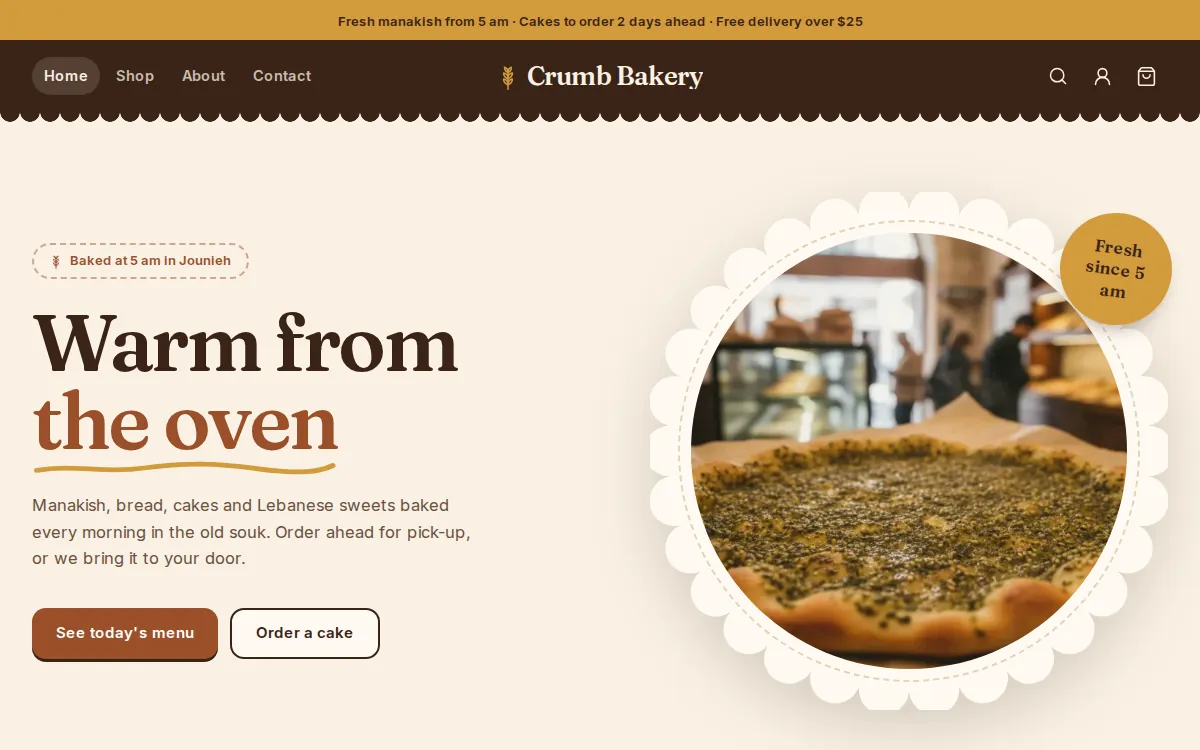
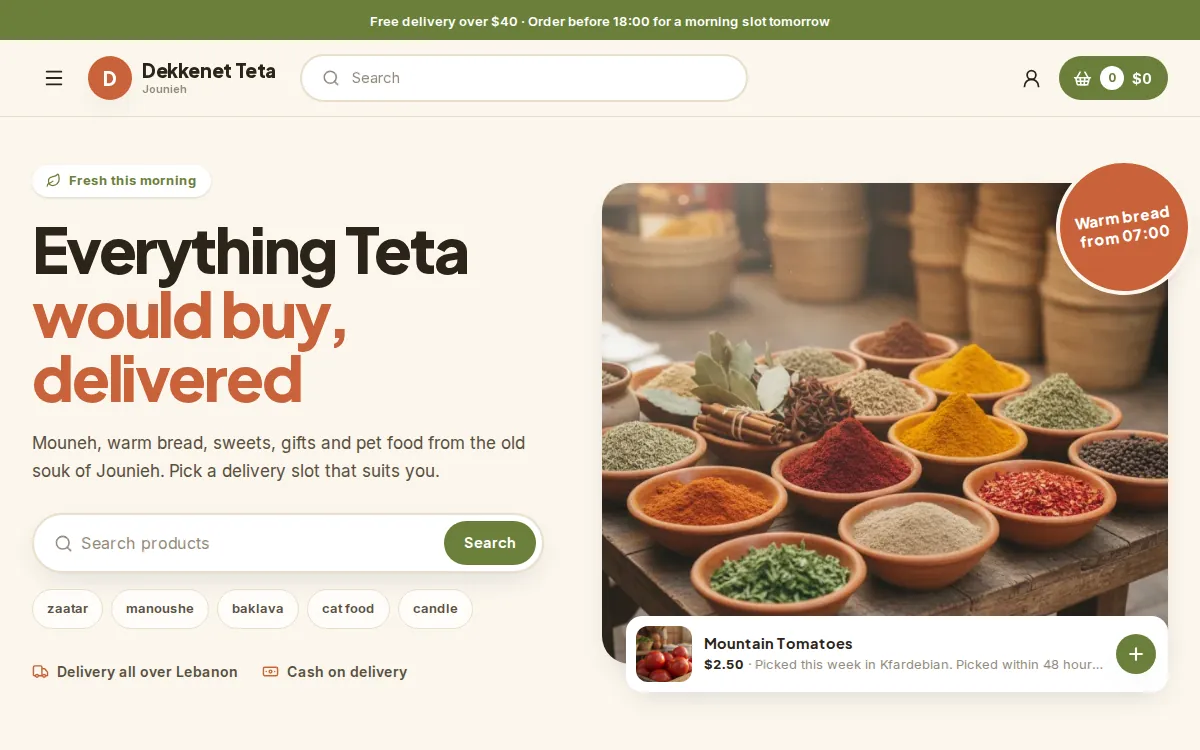
Many looks, one system behind them. Whichever you pick, you get the same editor, the same dashboard and the same checkout.
The visual editor
Change texts, photos and sections, preview on a computer and on a phone, then publish when it is ready.
The website editorYour colours and fonts
Six colour sets made for each template or your own colours, eight font pairs, and the shape of buttons and cards.
See what you can changeSwitch any time
Pick another template in the editor: every page keeps its sections, texts and pictures, and your products, stock and orders stay exactly as they are.
Compare the templatesCheckout or catalog
As an online shop, customers check out with cash on delivery or Whish. As a catalog, they ask with Ask about this or WhatsApp. You choose in Settings, Checkout.
The Lebanese checkoutThe whole business behind it
Products and stock, orders, in-store sales, customers, discounts and analytics, in one dashboard.
All featuresOn every plan
Every template comes with every plan, and every new store starts with a 14-day free trial.
PricingQuestions about Menu
Anything else? Ask us on WhatsApp. A person answers.
Can customers pay online with Menu?
Menu starts in catalog mode: customers order on WhatsApp or with a short form, and you confirm each order yourself. If you want a cart and a checkout with cash on delivery and Whish, switch to Online shop in Settings, Checkout.
Can customers order several dishes at once?
Each Order on WhatsApp message names one dish, and customers add the rest in the same chat. If you would rather have a basket, switch the store to an online shop and they check out once.
Can I show what is vegetarian or contains nuts?
Yes. Add specifications like Diet and Contains to a dish, and make a collection such as Vegetarian, as the demo does.
Can people book a table?
Yes, by WhatsApp or a call, from the order panel and the top of every page. Mahallat does not manage table reservations itself: you confirm the booking with them.
Your store, ready by the end of the week.
Start your 14-day free trial, or let us build the store for you. Then from $20 a month, paid by Whish.
No card. No contract. No transaction fees.