Loft: a furniture and kitchen showroom template for Lebanon
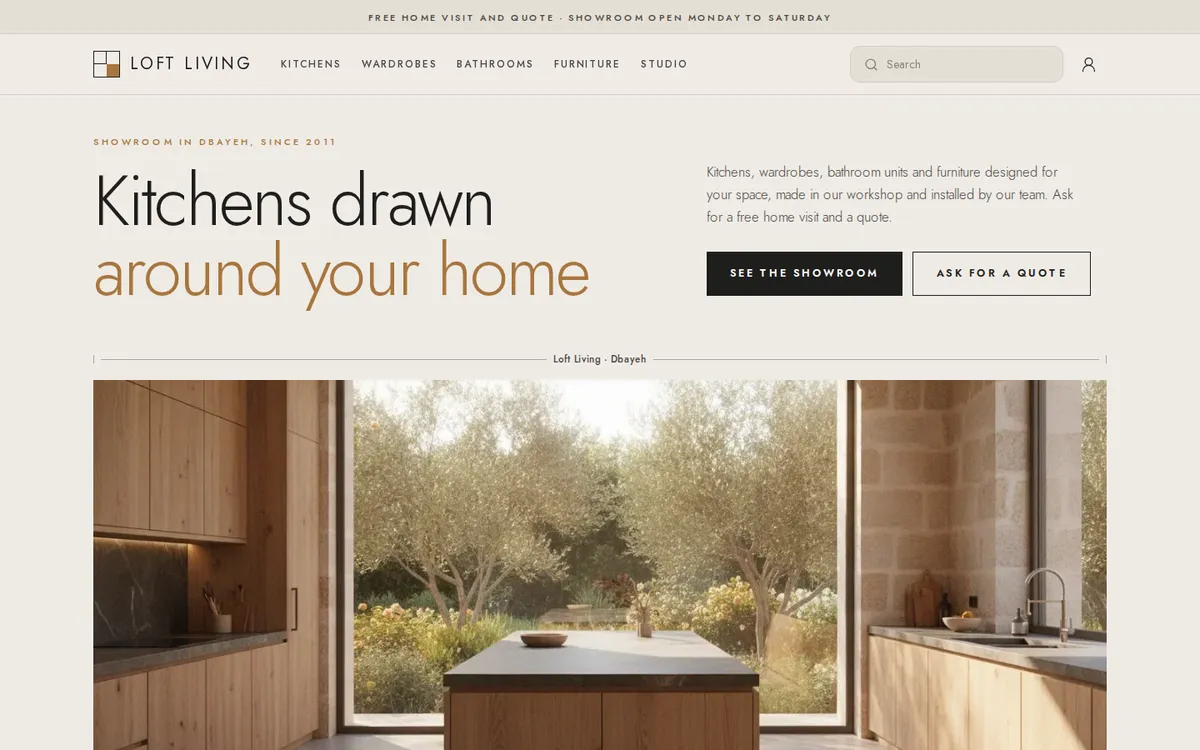
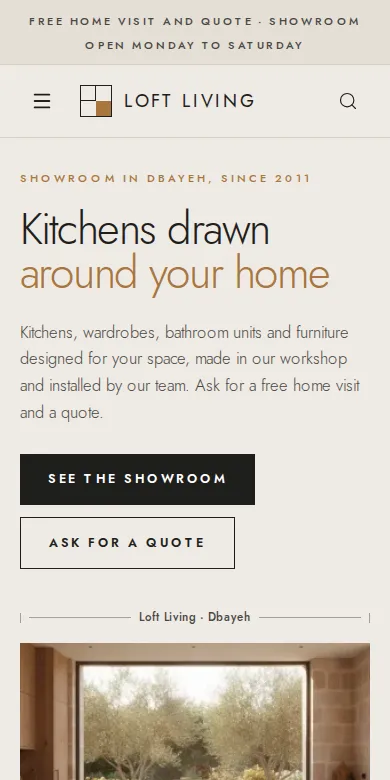
Loft is the Mahallat template for kitchen makers, wardrobe and built-in furniture workshops and furniture showrooms: light architectural type on limestone, cards with a dimension line, the material and the lead time, prices shown from a starting price or on request, and Ask for a quote on every piece instead of a cart. Its live demo store is Loft Living.
Who is Loft for?
Kitchen makers, wardrobe and closet workshops, made-to-measure furniture showrooms and interior studios: businesses that measure, draw and quote before anything is sold.
- Kitchens
- Wardrobes and closets
- Made-to-measure furniture
- Bathroom units
- Interior studios
- Furniture showrooms
What is on a Loft store?
The demo store's pages as they are today. Every section can be edited, moved, hidden or added in the editor.
The home page, top to bottom
A measured hero
Your headline set light and large, the subtitle and buttons beside it, then a wide photo under a dimension line with your name and town and a plaque with your badge.
Promises
Four promises in columns between hairlines: made to size, home visit, installation, free quotes.
What we make
Your categories as an editorial grid with plan numbers: the first one large, the others beside it.
Pieces to see and touch
A carousel of piece cards from a collection you choose, here the showroom pieces.
The workshop
A photo framed by plan corners and the story of how you make things.
How a project works
Four steps on a measured timeline: visit, draw, make, install.
The collection, numbers and a visit
Every piece with uppercase tabs, four numbers under dimension lines, an ink band inviting a showroom visit, reviews, the FAQ and a quote request on WhatsApp.
On every piece
The dimension line
Every card draws the specification Dimensions between two ticks, like on a plan, with the material above it.
Price or on request
A starting price, or 0 for Price on request, as on the kitchens of the demo.
Lead time
The specification Lead time appears under the price on every card.
Ask for a quote
Every card links to the piece, where Ask about this and WhatsApp send the question with the piece's name and link.
How do customers ask for a quote?
- They open a piece and tap Ask about this, or WhatsApp us.
- The form asks for a name, a phone number and a message such as the size and finish they want. WhatsApp opens with the piece's name and link already written.
- You get an email and a push notification, the question waits in Inquiries in your dashboard, and Reply on WhatsApp opens the chat with one tap.
What comes with every template?
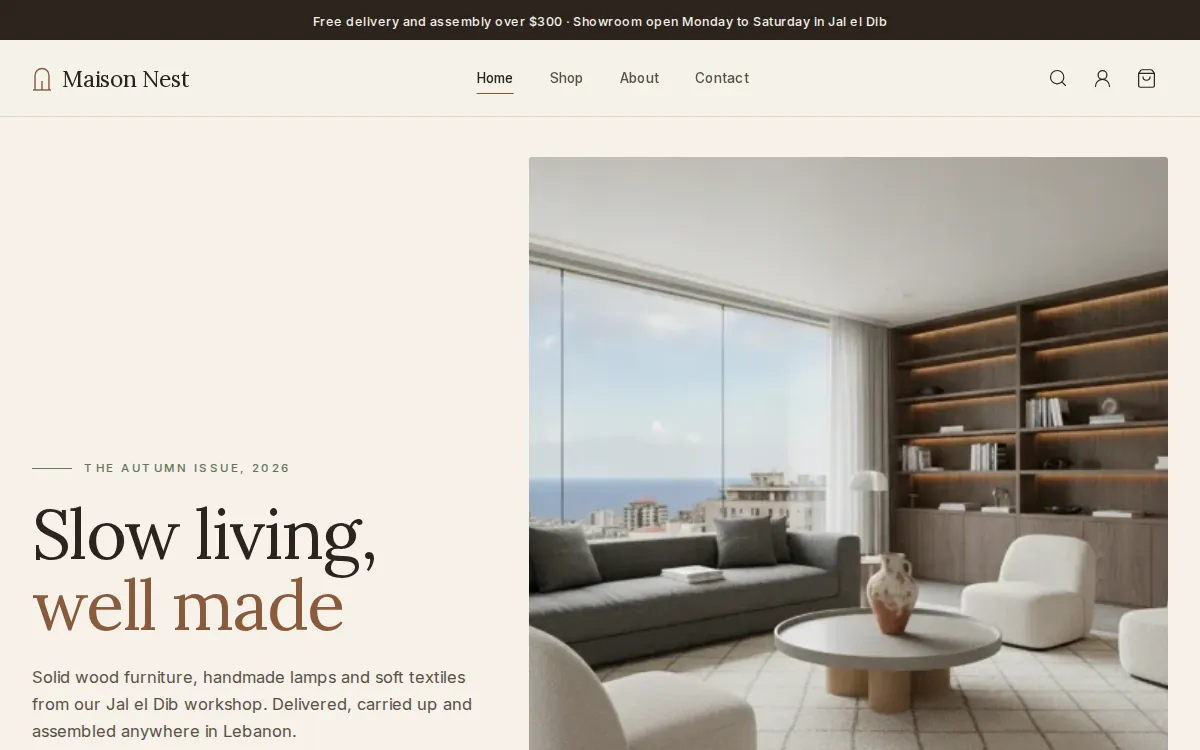
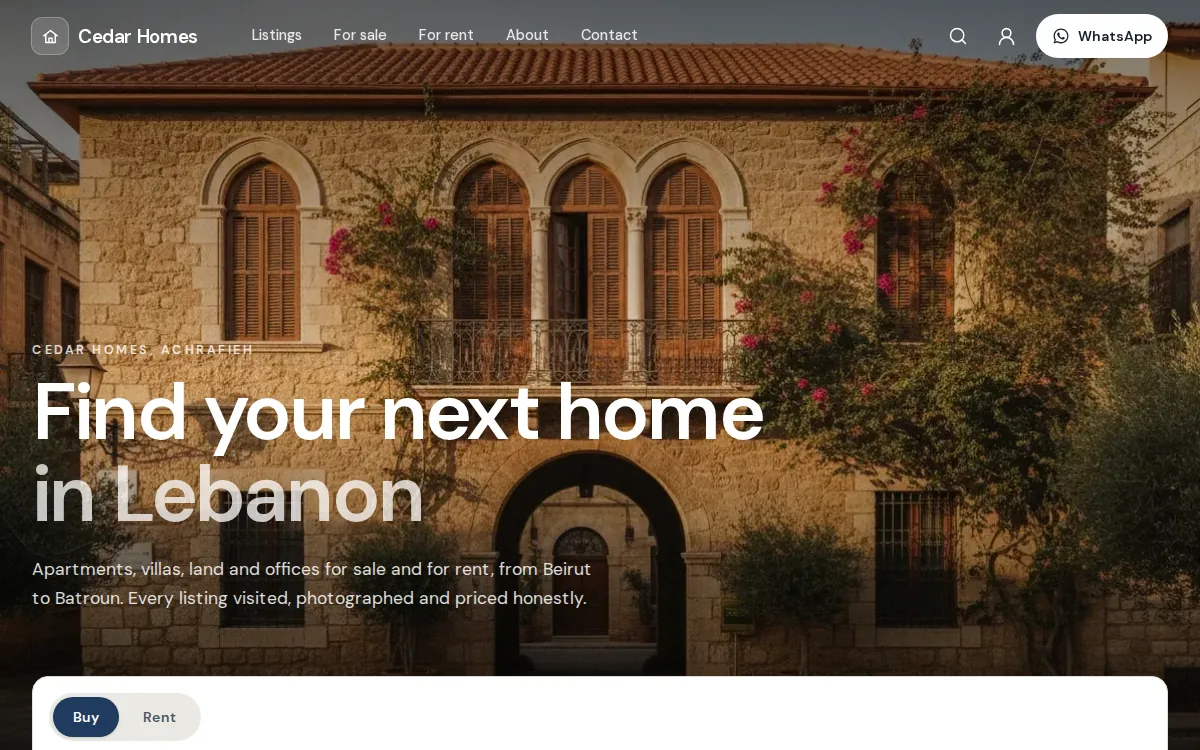
Many looks, one system behind them. Whichever you pick, you get the same editor, the same dashboard and the same checkout.
The visual editor
Change texts, photos and sections, preview on a computer and on a phone, then publish when it is ready.
The website editorYour colours and fonts
Six colour sets made for each template or your own colours, eight font pairs, and the shape of buttons and cards.
See what you can changeSwitch any time
Pick another template in the editor: every page keeps its sections, texts and pictures, and your products, stock and orders stay exactly as they are.
Compare the templatesCheckout or catalog
As an online shop, customers check out with cash on delivery or Whish. As a catalog, they ask with Ask about this or WhatsApp. You choose in Settings, Checkout.
The Lebanese checkoutThe whole business behind it
Products and stock, orders, in-store sales, customers, discounts and analytics, in one dashboard.
All featuresOn every plan
Every template comes with every plan, and every new store starts with a 14-day free trial.
PricingQuestions about Loft
Anything else? Ask us on WhatsApp. A person answers.
Can customers buy online with Loft?
Loft stores start in catalog mode: no cart and no checkout, only Ask about this and WhatsApp, because made-to-measure work is quoted first. If you also sell ready pieces, switch to Online shop in Settings, Checkout and the cards add to the cart.
How do I hide a price?
Set it to 0 and the piece shows Price on request. It keeps its photos, its dimensions and the Ask about this button.
How does the dimension line work?
Add a specification called Dimensions, for example 240 × 100 × 75 cm. Material and Lead time are read the same way.
Where do the quote requests go?
To Inquiries in your dashboard, with the piece, the name and the phone number. You also get an email and a push notification, and you reply on WhatsApp with one tap. Mahallat never sends WhatsApp messages by itself.
Can I move from Loft to another template later?
Yes, in the editor, at any time. Your pages keep their sections, texts and pictures, and your products, stock and orders do not change.
Your store, ready by the end of the week.
Start your 14-day free trial, or let us build the store for you. Then from $20 a month, paid by Whish.
No card. No contract. No transaction fees.