Payments
Set up Whish payments
Let customers pay by Whish Money and send you a screenshot you confirm on the order.
Open this in your dashboard6 steps
With Whish on, customers send the total to your Whish number at checkout and upload a screenshot. You check it and confirm it on the order.
Step by step
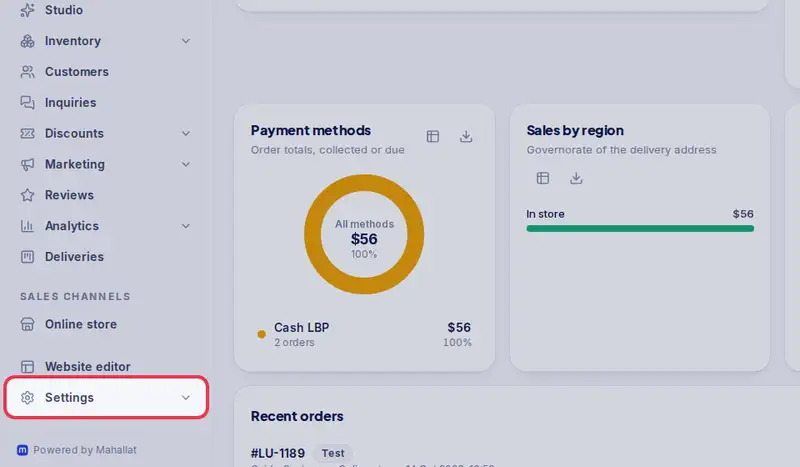
- Step 1: Open Settings.
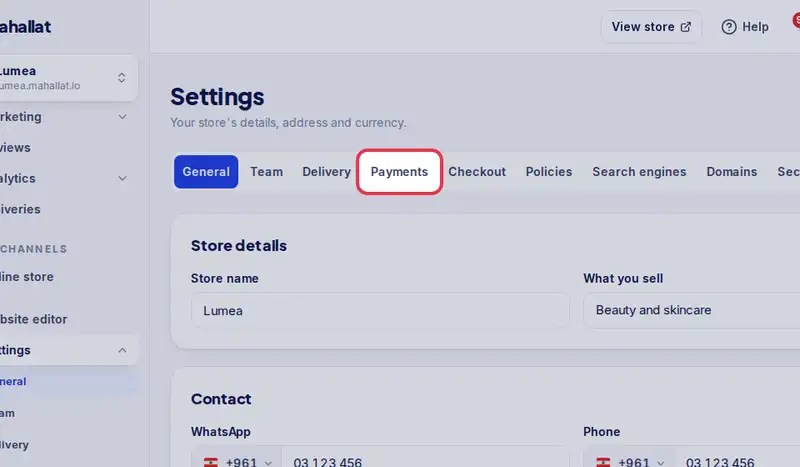
- Step 2: Tap the Payments tab.
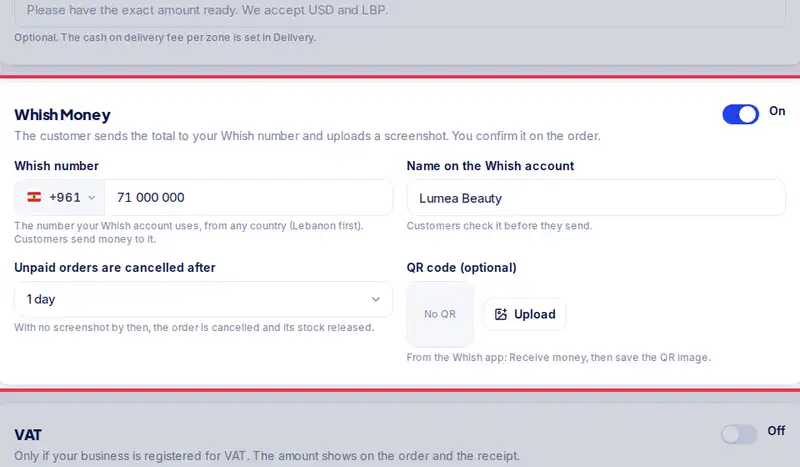
- Step 3: Find Whish Money and turn it On.
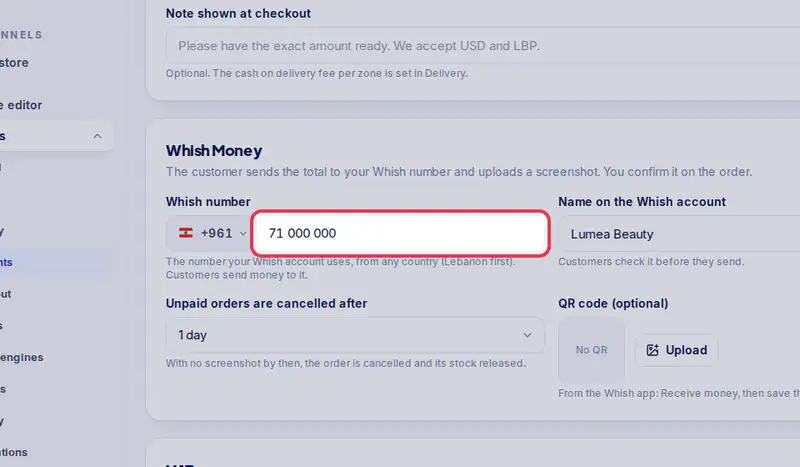
- Step 4: Type your Whish number (for example 71 123 456) and the Name on the Whish account, so customers can check it before they send.
- Step 5: Choose after how long unpaid orders are cancelled. You can also upload your Whish QR code.
- Step 6: Tap Save payment settings.