Analytics
Export your data to Excel
Download orders, products, stock, customers or discount usage as an Excel or CSV file, or get a sales report by email every week.
Open this in your dashboard4 steps · Video
Every list in Mahallat can leave as a file for your accountant or your own sheets. Big files are made in the background and emailed to you.
Watch the video
What the video says
- In this video, you download your orders as an Excel file, for your accountant or your own sheets.
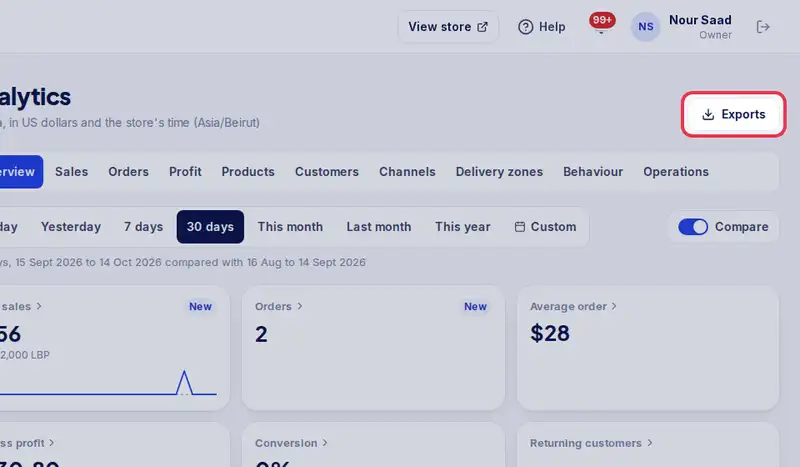
- In Analytics, tap Exports.
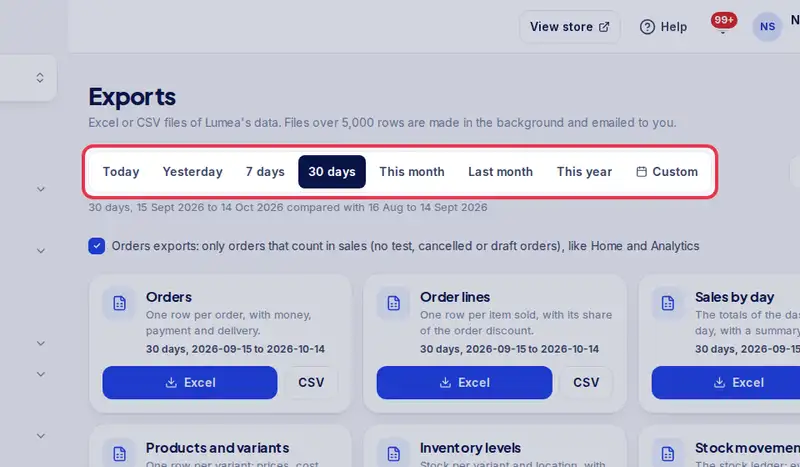
- Pick the period the file should cover, for example this month.
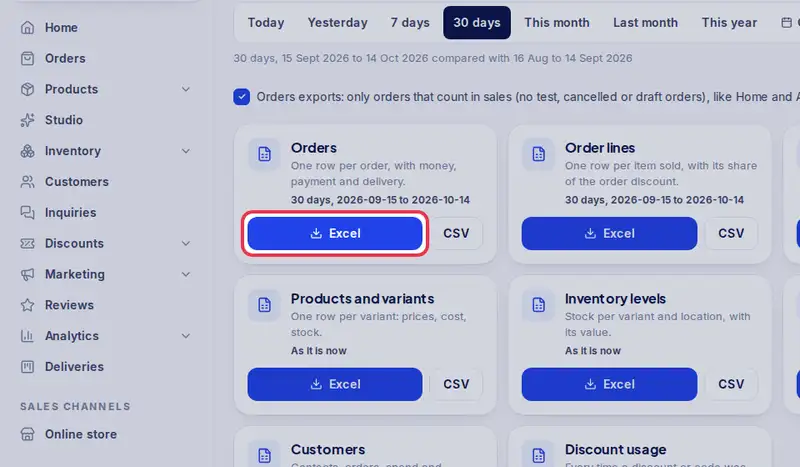
- Tap Excel on the file you need, here your orders.
- The file downloads. Big files are made in the background and emailed to you.
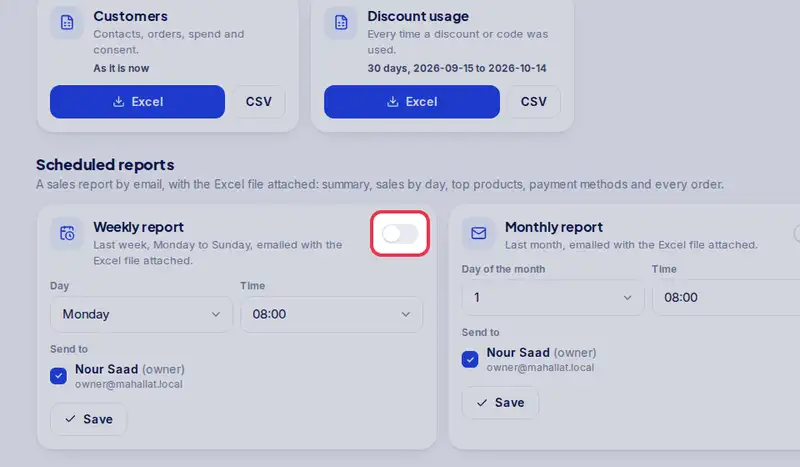
- For a sales report by email every week, turn on Weekly under Scheduled reports.
Step by step
- Step 1: Open Exports, from Analytics or the link below.
- Step 2: Pick the period the file should cover.
- Step 3: Tap Excel on the file you need, for example orders.
- Step 4: To get a sales report by email, turn on Weekly under Scheduled reports and choose who receives it.