Getting started
The 6 things you will do most
See new orders, confirm a Whish payment, mark delivered, add a product, change a price or photo, and share your store link.
Open this in your dashboard8 steps
We built your store for you. Here are the six things you will do almost every day, shown on your own screen.
Step by step
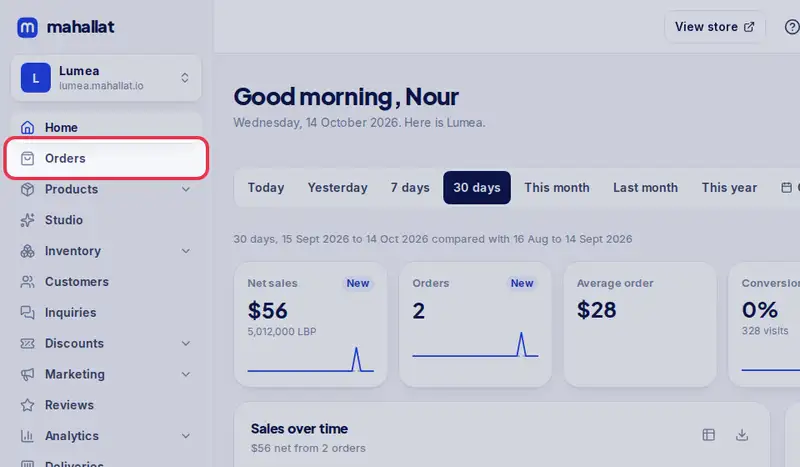
- Step 1: See your new orders: open Orders. The newest are at the top.
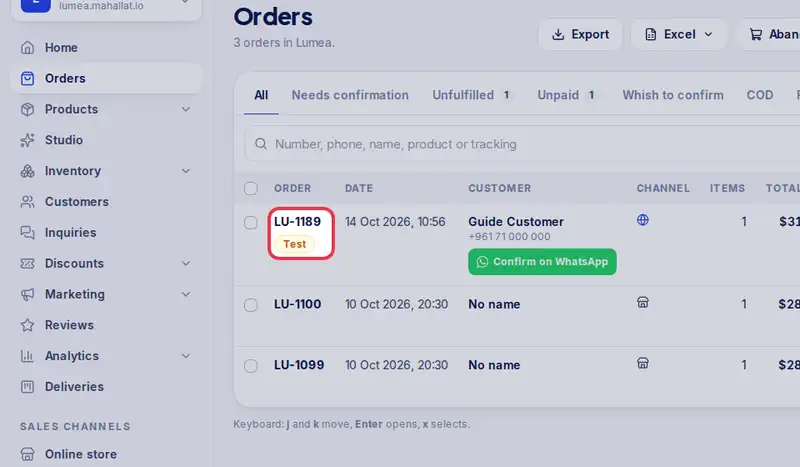
- Step 2: Tap an order number to open it and see the items, the customer and the address. To confirm it with the customer, tap WhatsApp the customer: your own WhatsApp opens with the message ready, and you press send.
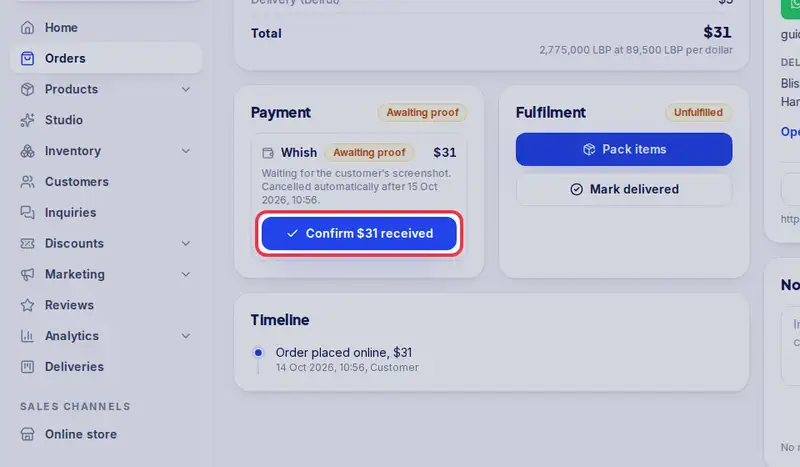
- Step 3: Paid by Whish? Look at the customer's screenshot, and if the amount is right tap Confirm. The button shows the amount, for example Confirm $25 received.
- Step 4: When the customer has the order, tap Delivered, enter the cash collected if any, then Confirm.
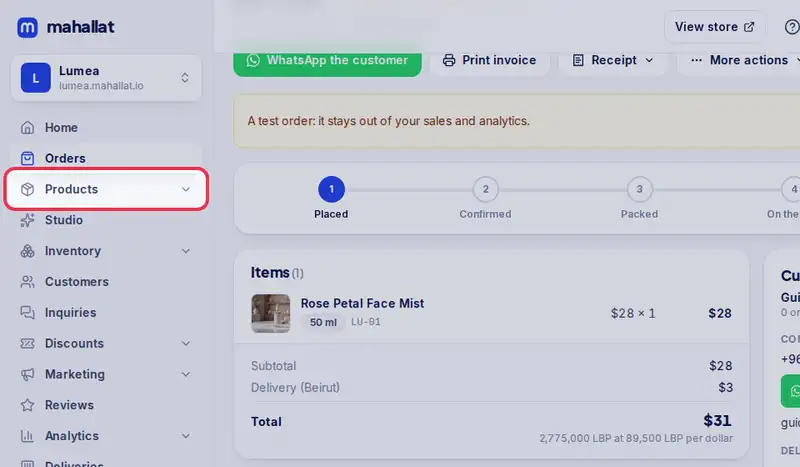
- Step 5: To add a product, open Products.
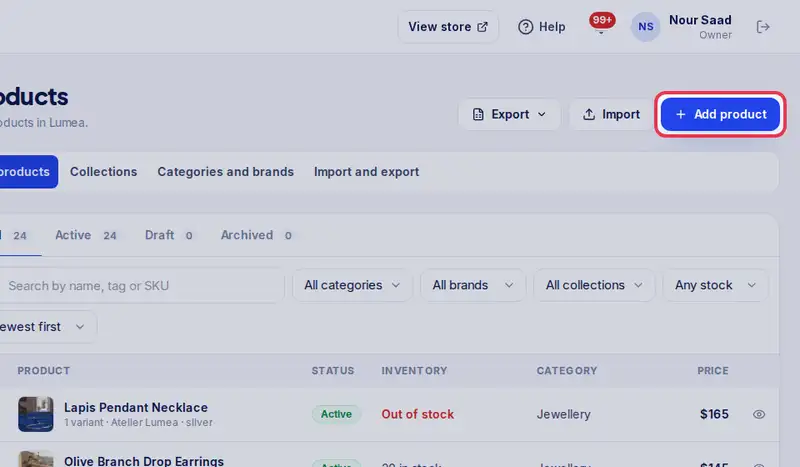
- Step 6: Tap Add product, add photos, a title, a price and the quantity, then Save.
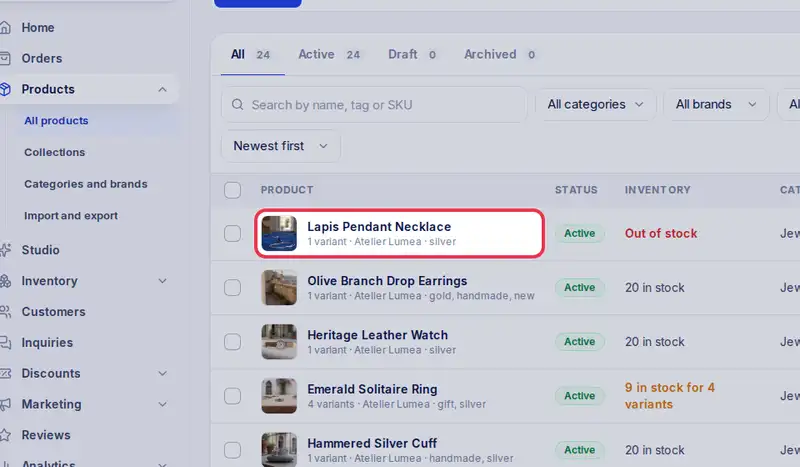
- Step 7: To change a price or a photo, tap the product's name in the list, change it, then tap Save.
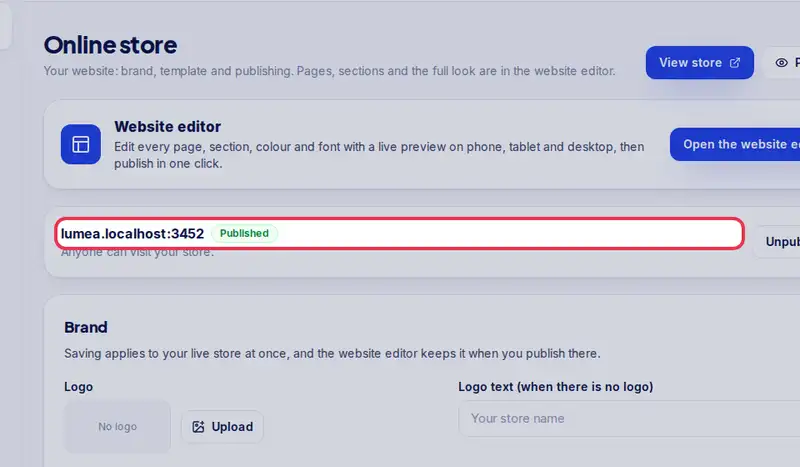
- Step 8: To share your store, copy this link from Online store and send it on WhatsApp or put it in your Instagram bio.