Getting started
Get to know your dashboard
A quick walk through the five places you will use every day.
Open this in your dashboard5 steps · Video
Your dashboard is where you run the shop: orders come in here, you add products here, and you change your website from here. This short tour shows you where everything is.
Watch the video
What the video says
- In this video, you take a quick tour of your dashboard, so you know where everything is.
- Home is your starting page: your sales, new orders, and what needs your attention.
- Orders lists every order, from your website, WhatsApp, Instagram and your shop.
- Products is your catalogue: photos, prices, sizes and how many you have.
- Inventory keeps your stock, Customers everyone who bought, and Marketing your campaigns.
- Analytics shows your sales, profit and best sellers over time.
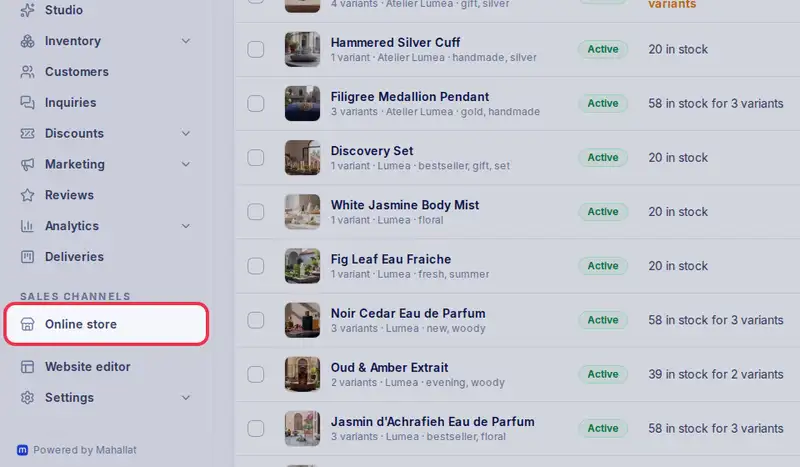
- Online store and the Website editor are where you change your website.
- Settings holds your shop details, delivery, payments, your team and your alerts.
- Stuck on any screen? Tap Help at the top to see the guide for that screen.
Step by step
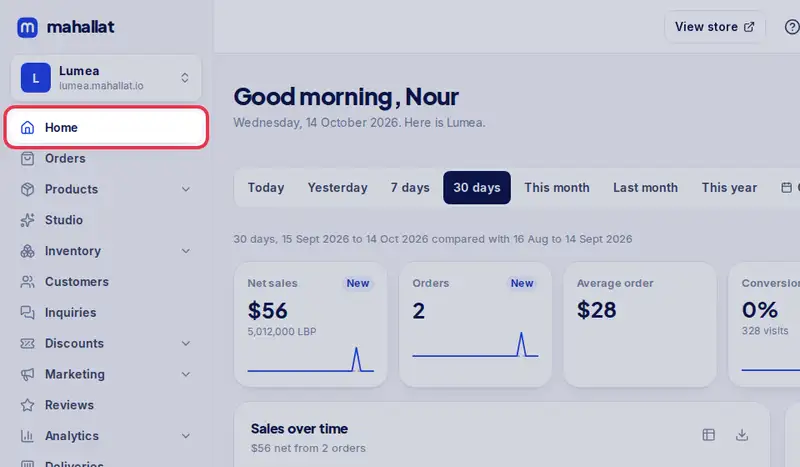
- Step 1: Home is your starting page. It shows your store link, whether the store is published, and what is left to set up.
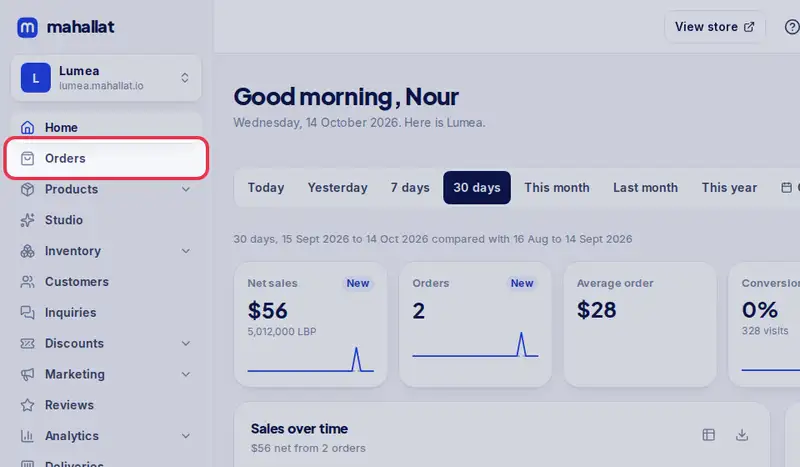
- Step 2: Orders lists every order from your website, WhatsApp and Instagram, and the sales you log in your shop. New ones show up here on their own.
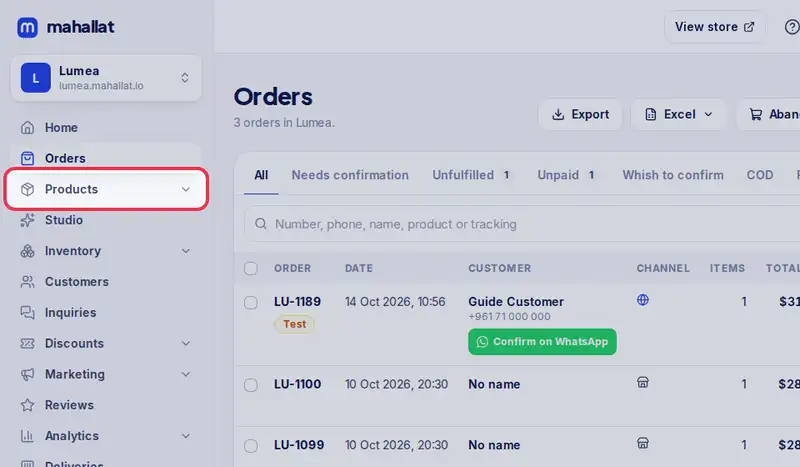
- Step 3: Products is your catalogue: photos, prices, sizes and how many you have.
- Step 4: Online store is your website: the link to share, the template, your logo and the publish button.
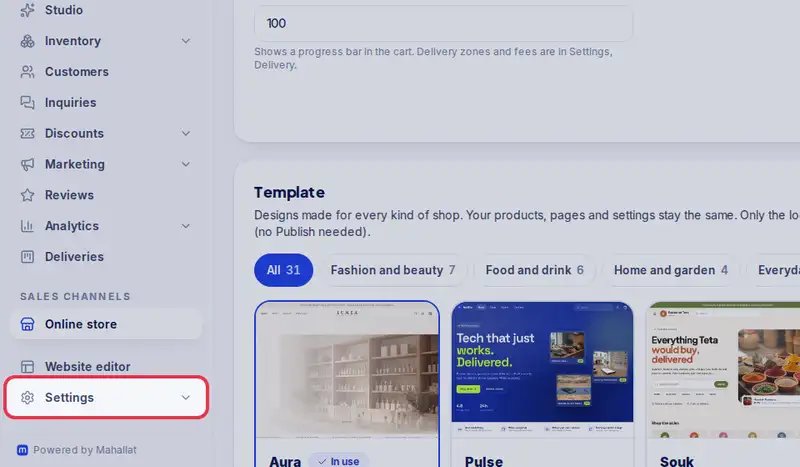
- Step 5: Settings holds your shop details, delivery zones, payment methods, your team and your alerts.