In-store sales
Your receipt, printed or digital
One receipt with your logo or name for every order and shop sale. Send the customer its link by WhatsApp, or print it.
Open this in your dashboard4 steps
Every online order and every sale you log in your shop has one receipt: your logo (or your name when you have no logo), your address and phone, the items, the total in dollars and in lira, and how it was paid. The customer opens it from a link on any phone, and can save it as a PDF or print it. No printer needed.
Step by step
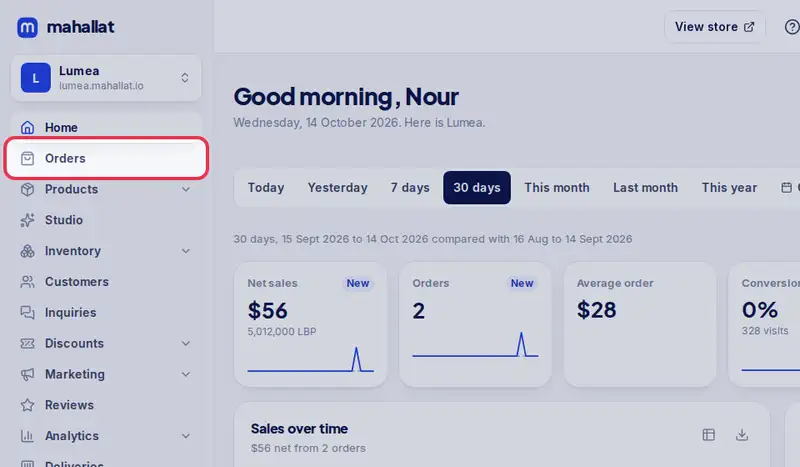
- Step 1: Open Orders in the menu. For a sale made in the shop, filter the channel In store.
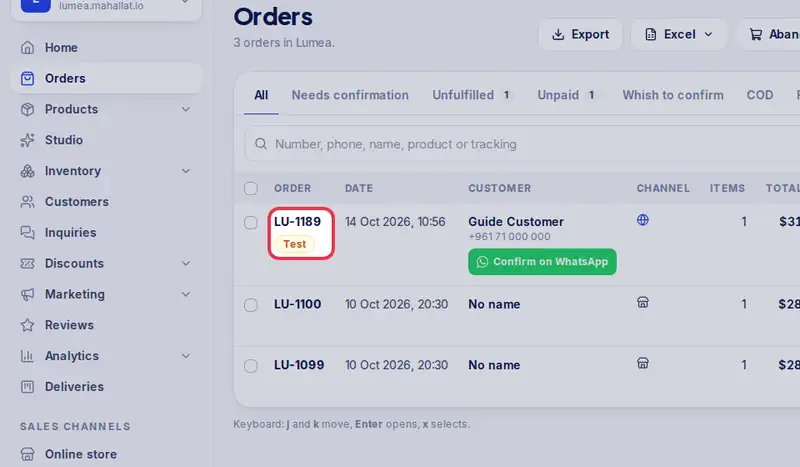
- Step 2: Tap the order number to open it.
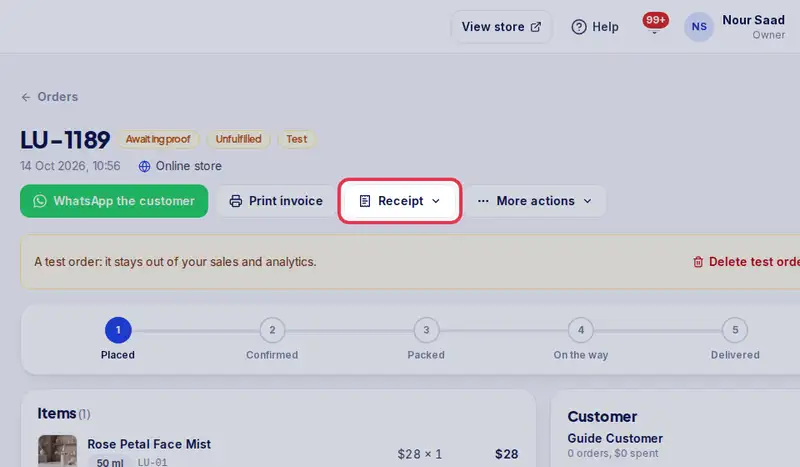
- Step 3: Tap Receipt, then Open the receipt to see it, or Copy receipt link.
- Step 4: Paste the link in the customer's WhatsApp chat, or anywhere else they read your messages.