Orders and delivery
Find your way around Orders
Search, filter, open an order, export and create an order by hand.
Open this in your dashboard5 steps · Video
Orders shows every order from your website, your shop, Instagram, WhatsApp, the phone and your own channels. Here is where everything is.
Watch the video
What the video says
- In this video, you find your new orders, filter the list and open an order.
- Open Orders from the menu.
- Every order is here: your website, your shop, Instagram, WhatsApp and phone calls.
- Tap Unfulfilled to see only the orders you still have to pack and deliver.
- Tap Filters to show one channel, a payment status, a zone or some dates.
- Clear filters shows every order again.
- Tap an order number to open it.
- Here you see the items, the customer, the payment and each delivery step.
Step by step
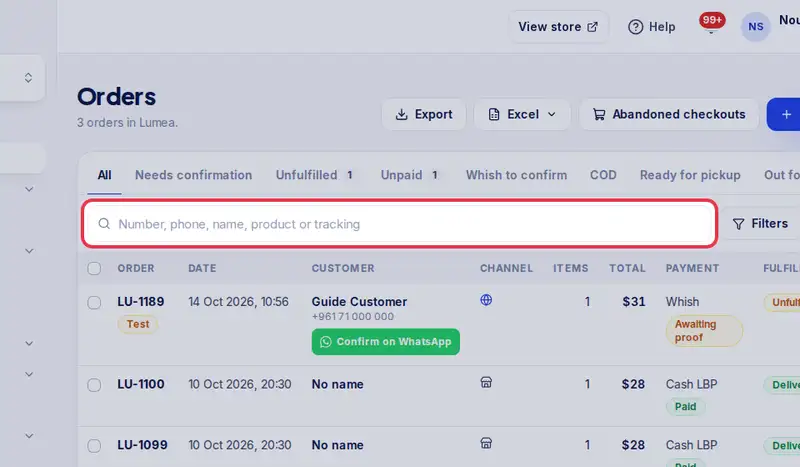
- Step 1: Search by order number, phone, name, product or tracking number.
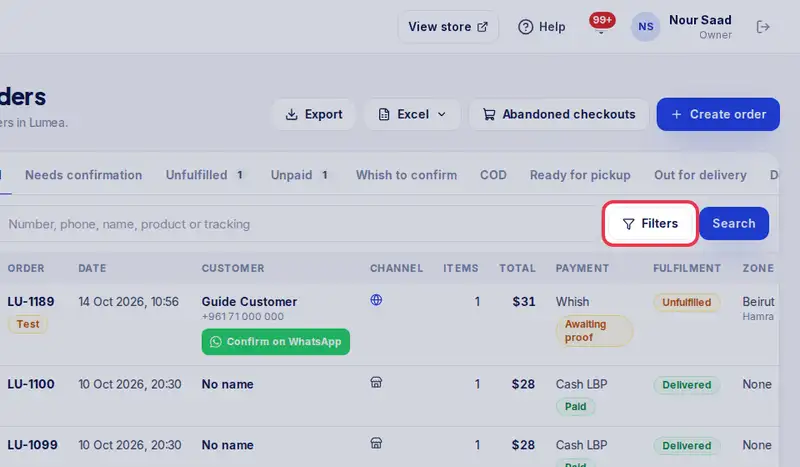
- Step 2: Tap Filters to show only some dates, a channel (like In store for shop sales), a payment or delivery status, a zone or a tag. Clear filters shows everything again.
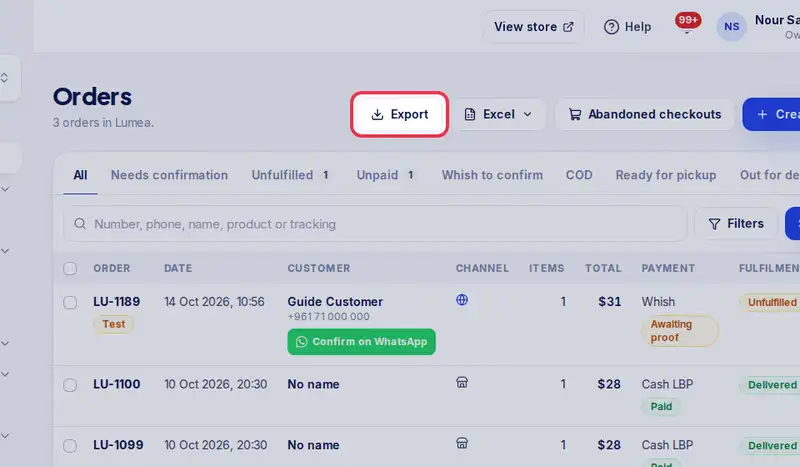
- Step 3: Tap Export to download the orders you see as a spreadsheet.
- Step 4: Tap an order number to open it.
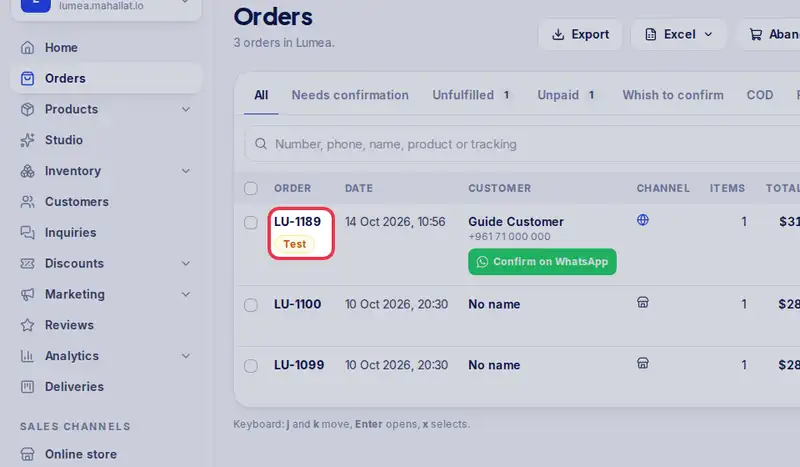
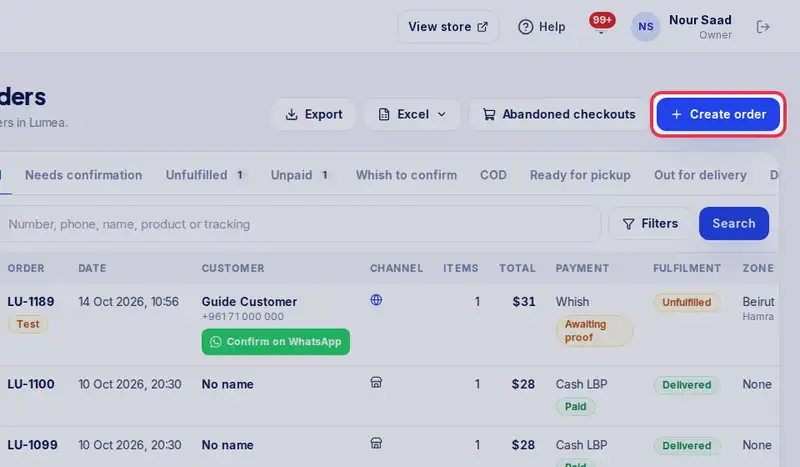
- Step 5: Sold something in the shop, or took an order on WhatsApp or by phone? Tap Create order to add it yourself.