Products
Help a product show up on Google
Write the product's search engine listing yourself: a focus keyword, a title, a description, a web address and photo descriptions, with a score that shows what to improve.
Open this in your dashboard7 steps · Video
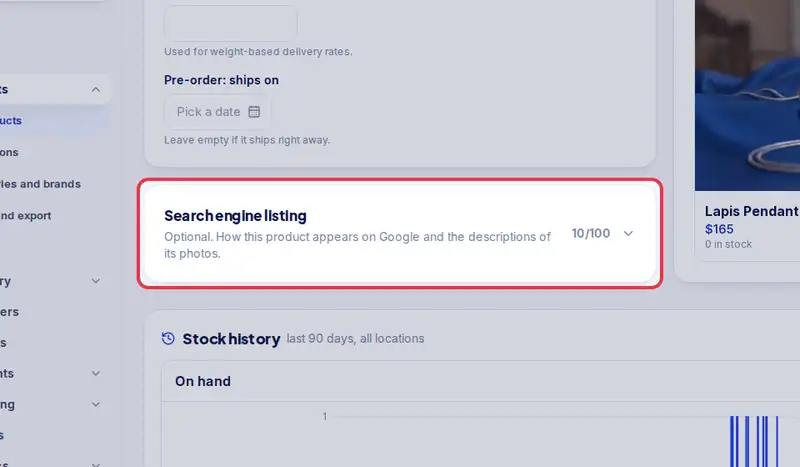
Each product has a Search engine listing at the bottom of its page, closed until you tap it. It is optional: Mahallat already fills it from the product name and description, so you can skip it. To choose the words yourself, write them with your own words or any tool you like. Once you have written something there, it opens by itself. The score out of 100 measures what helps search engines read the page; it cannot promise a place on Google.
Watch the video
What the video says
- In this video, you write a product's search engine listing yourself, with a score that shows what to improve.
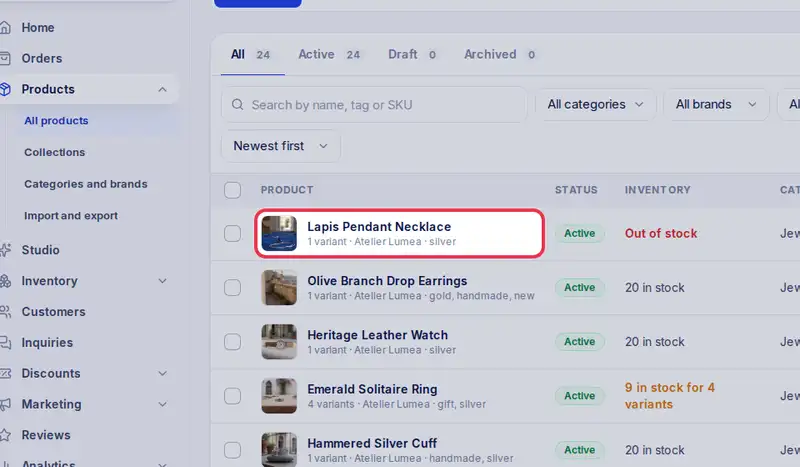
- In Products, tap the product's name.
- Scroll to Search engine listing and tap it. Mahallat already fills it for you.
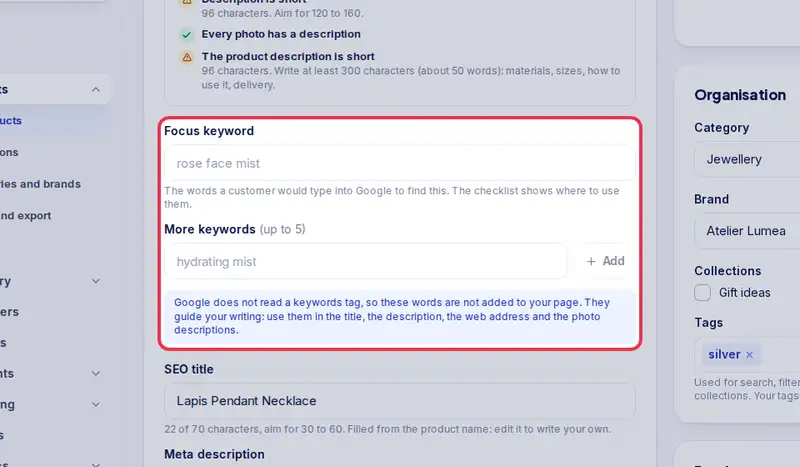
- Type a focus keyword: the words a customer would search for.
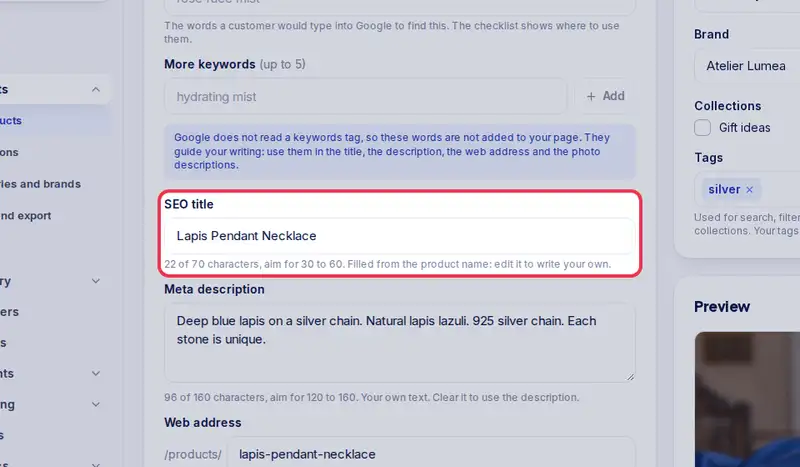
- Write an SEO title of 30 to 60 characters, with the keyword.
- And a meta description of 120 to 160 characters.
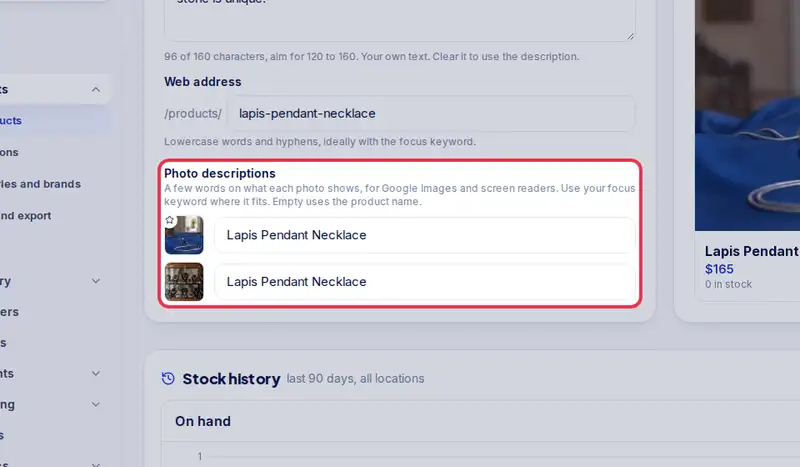
- Describe each photo in a few words.
- The tips under the score tell you what to improve. Follow them, then tap Save.
- The score shows what helps search engines read your page. It cannot promise a place on Google.
Step by step
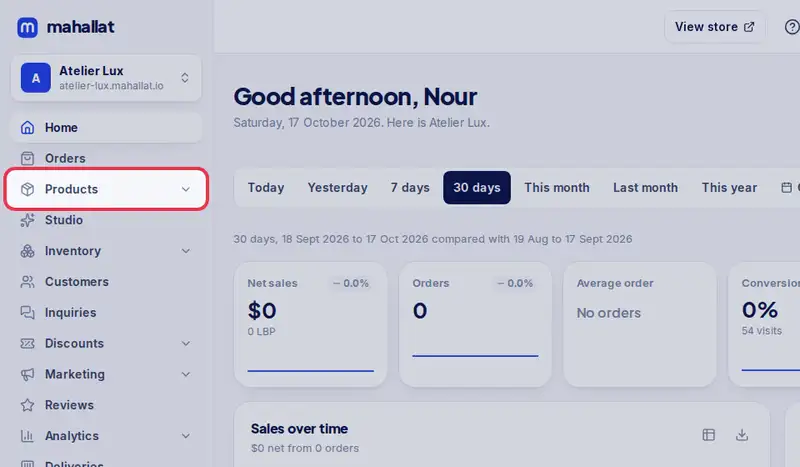
- Step 1: Open Products in the menu.
- Step 2: Tap the product's name.
- Step 3: Scroll to Search engine listing and tap it to open it. The Google preview shows how it can look in results.
- Step 4: Type a Focus keyword: the words a customer would search for, like "rose face mist". Add up to 5 more if you like.
- Step 5: Write an SEO title of 30 to 60 characters and a Meta description of 120 to 160, both using the focus keyword.
- Step 6: Describe each photo in a few words under Photo descriptions.
- Step 7: Follow the tips under the score until it turns green, then tap Save.