Products
Find your way around Products
Search, filter, open a product, import a list and add a new product.
Open this in your dashboard5 steps
Products is your whole catalogue in one list. Here is where everything is.
Step by step
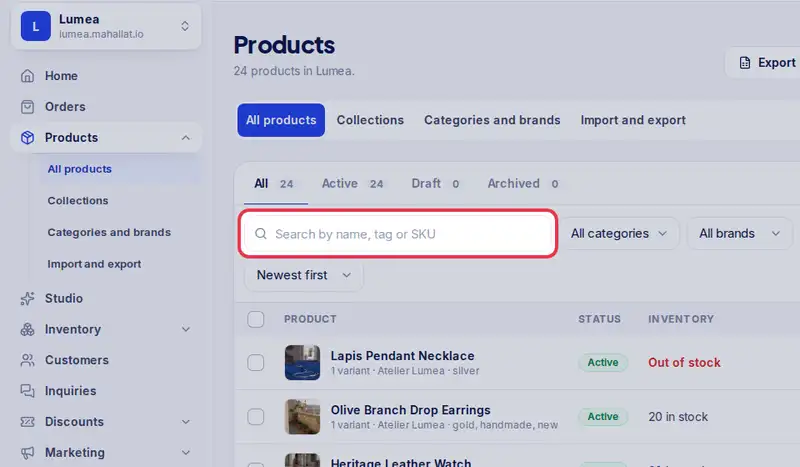
- Step 1: Search by name, tag, SKU or barcode. The list updates as you type.
- Step 2: On a phone, tap Filters to show only one category or brand.
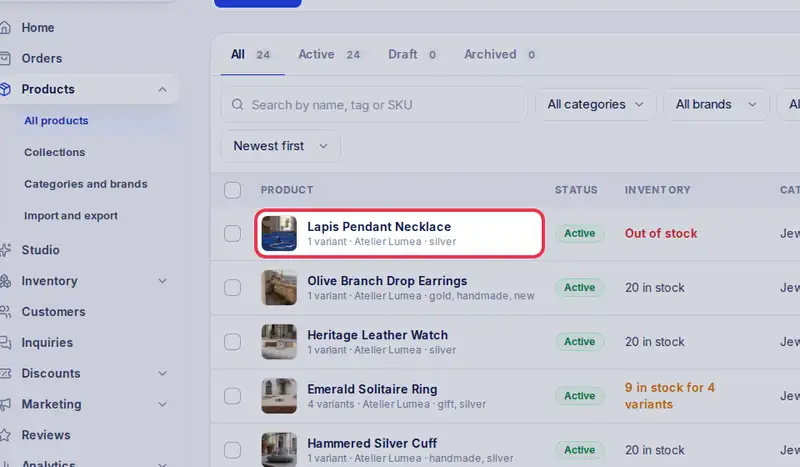
- Step 3: Each row is one product with its photo, status and stock. Tap the name to open it and edit it.
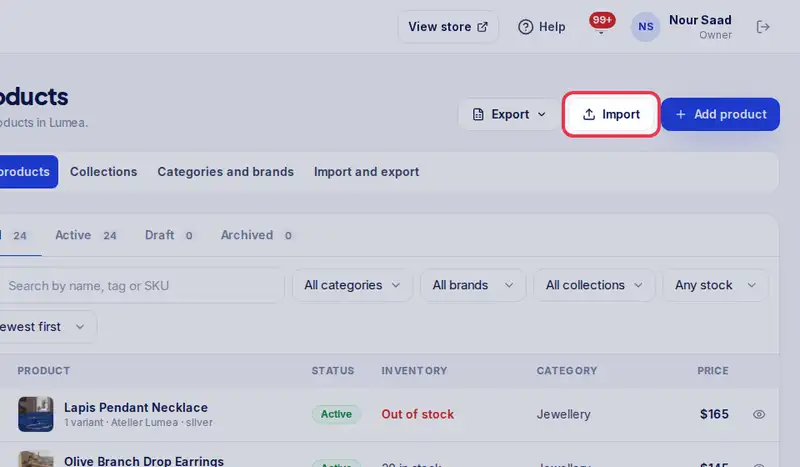
- Step 4: Have your products in Excel or a CSV file? Tap Import to add them all at once.
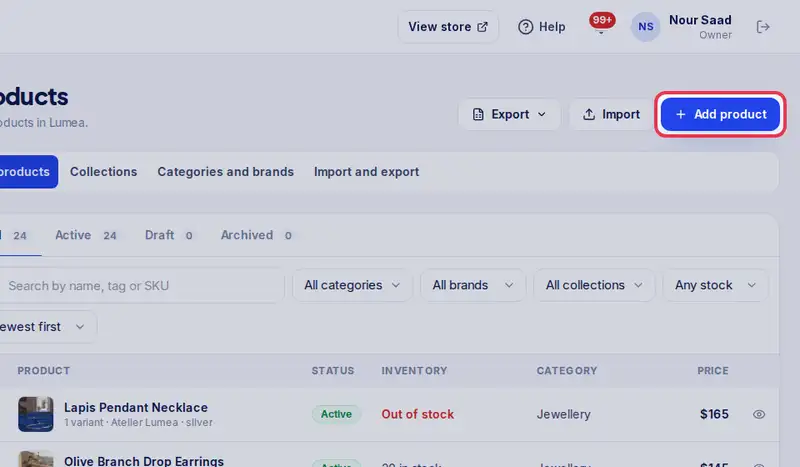
- Step 5: Tap Add product to add a single new product.