Products
Add a product
Put a new product in your store with photos, a price and the quantity you have.
Open this in your dashboard7 steps · Video
Add each thing you sell once. Customers see it on your website, and you pick it from the list when you create an order or record a sale made in your shop.
Watch the video
What the video says
- In this video, you add a new product to your store, with photos, a price and the quantity you have.
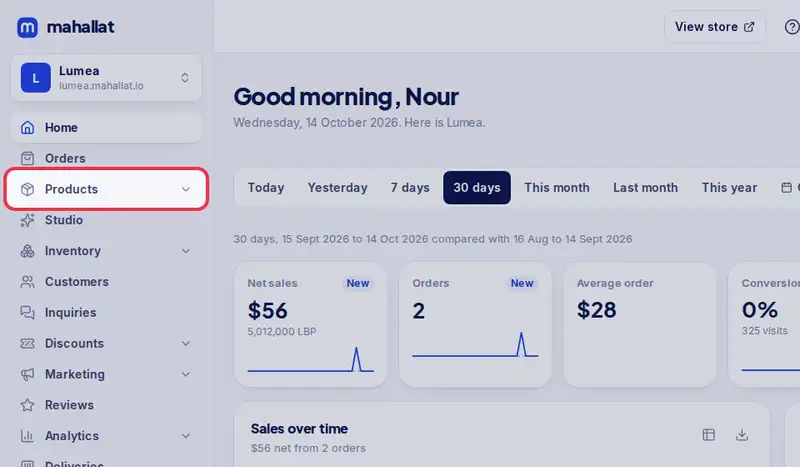
- Open Products from the menu.
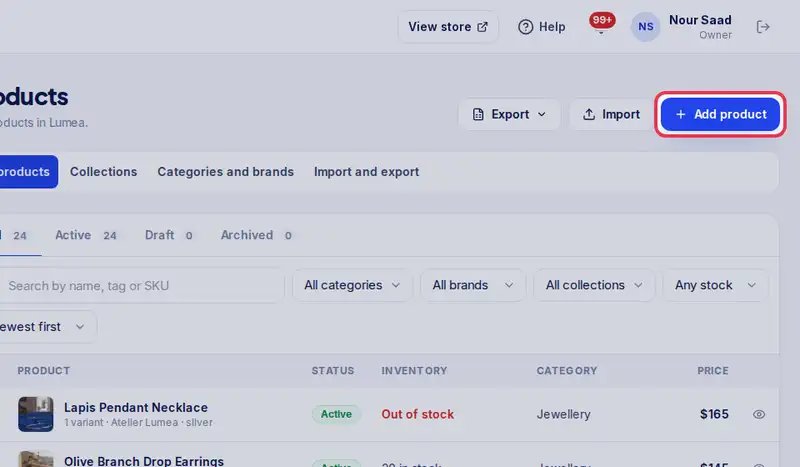
- Then tap Add product.
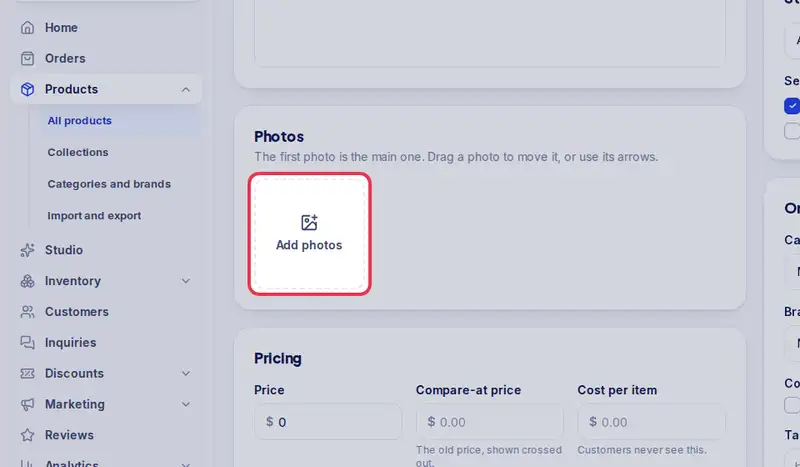
- Add your photos. You can add up to eight, and the first one is the main photo.
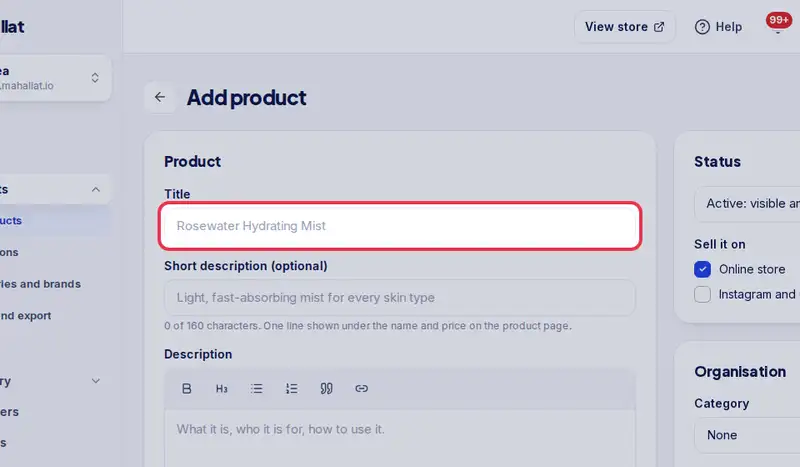
- Type the product's name in Title.
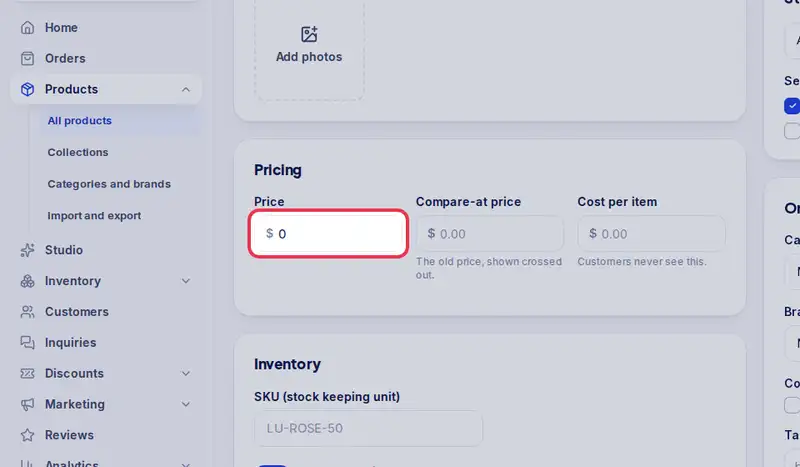
- Enter the price in dollars. Customers also see it in lira, at your rate.
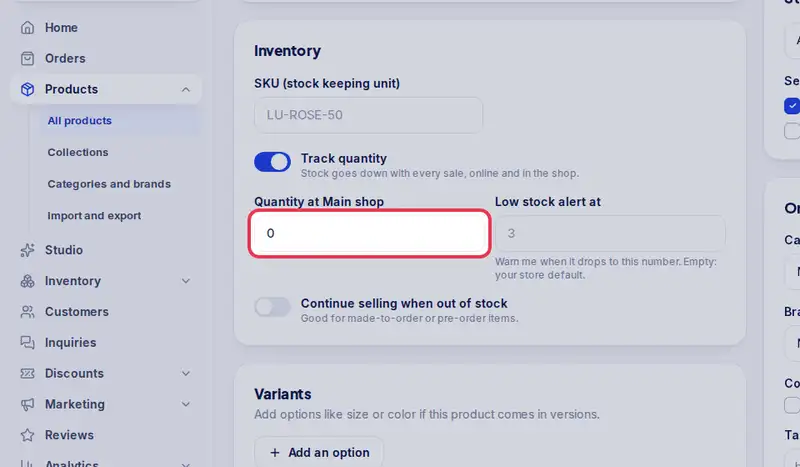
- Then how many you have under Quantity.
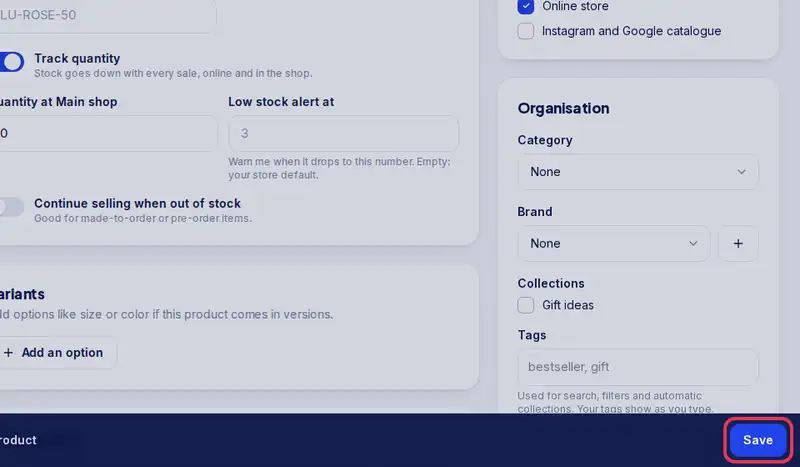
- Tap Save. The product is active, so it shows on your store right away.
Step by step
- Step 1: Open Products in the menu.
- Step 2: Tap Add product.
- Step 3: Tap Add photos and take or pick up to 8 photos. The first one is the main photo.
- Step 4: Type the product name in Title, for example "Rosewater face mist 100 ml".
- Step 5: Enter the Price in dollars. Customers also see it in lira at your rate.
- Step 6: Enter how many you have in the shop under Quantity.
- Step 7: Tap Save. A new product is Active, so it shows on your store right away.