Orders and delivery
Create an order by hand
Record an order or a sale from any channel: your shop, Instagram, WhatsApp, a phone call, Facebook or your own channels.
Open this in your dashboard8 steps · Video
Every sale that did not come through your website goes in the same list, so stock, delivery and payments stay right.
Watch the video
What the video says
- In this video, you add an order that came on Instagram, to deliver to the customer.
- In Orders, tap Create order.
- Under Channel, tap where the order came from, here Instagram.
- Search for each product and tap it to add it.
- Under Customer, tap New customer and type their phone and name.
- Tap To deliver or pick up, then fill in the address. The delivery fee follows your zones.
- Under Payment, tap Not paid yet and Cash on delivery.
- Check the total and tap Create order.
- The order is saved, with a link you can send the customer.
Step by step
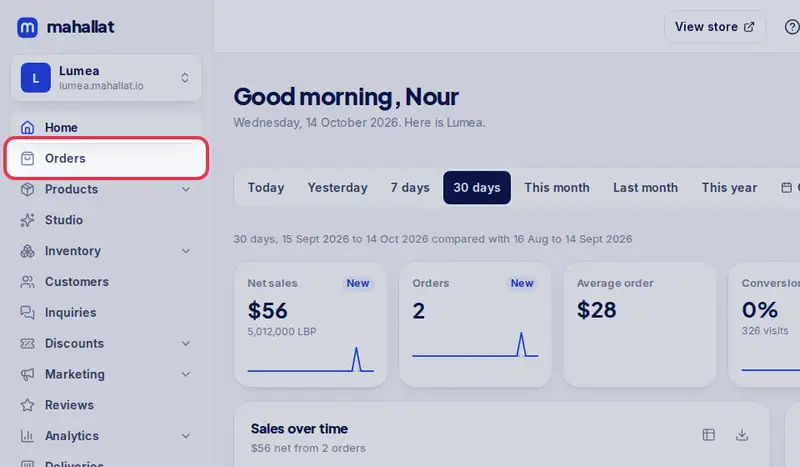
- Step 1: Open Orders.
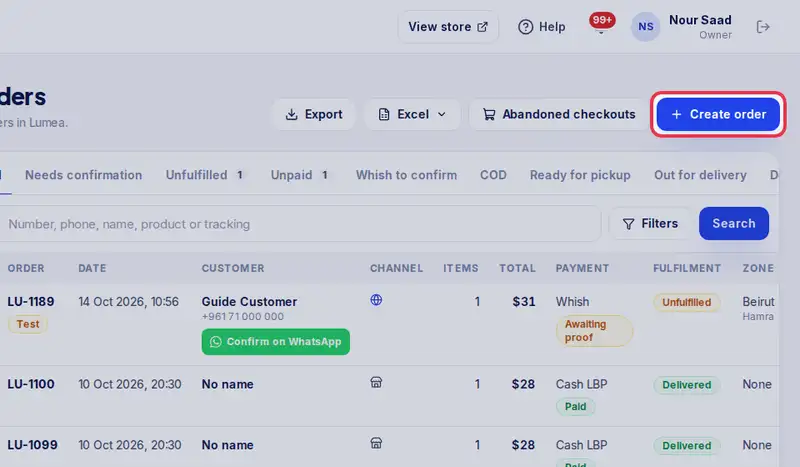
- Step 2: Tap Create order.
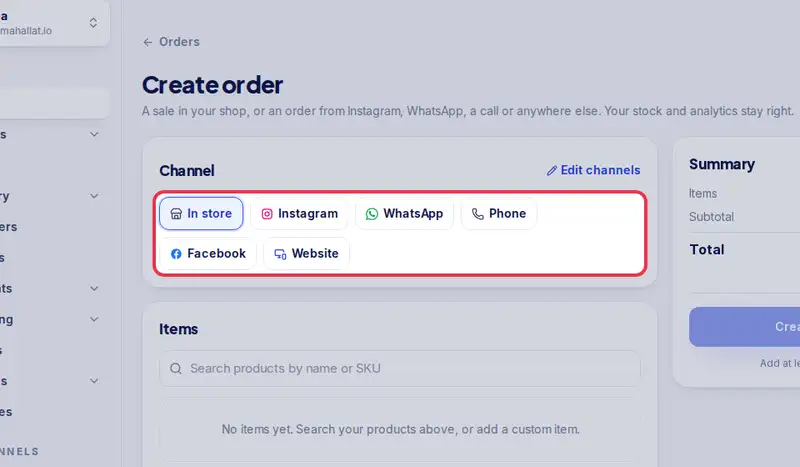
- Step 3: Under Channel, tap where it came from: In store, Instagram, WhatsApp, Phone, Facebook, Website or one of your own.
- Step 4: Under Items, search for each product and add it. Change the quantity or the price if needed, or add a Custom item.
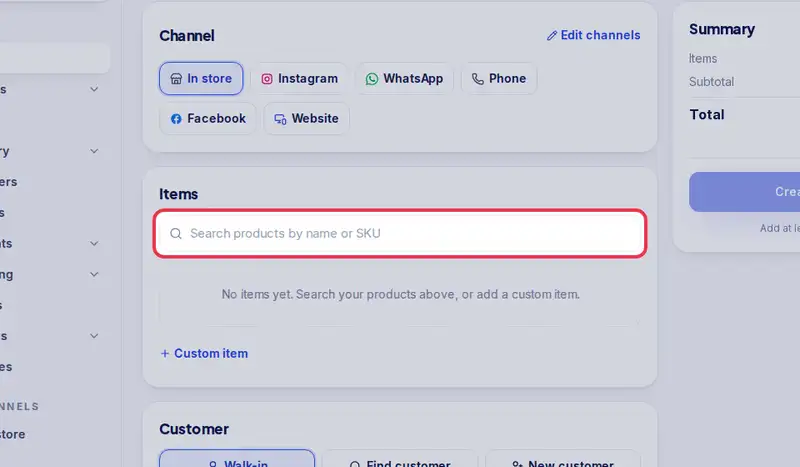
- Step 5: Under Customer, tap Find customer and search by name or phone, or tap New customer and type their phone and name. In the shop, Walk-in needs no details.
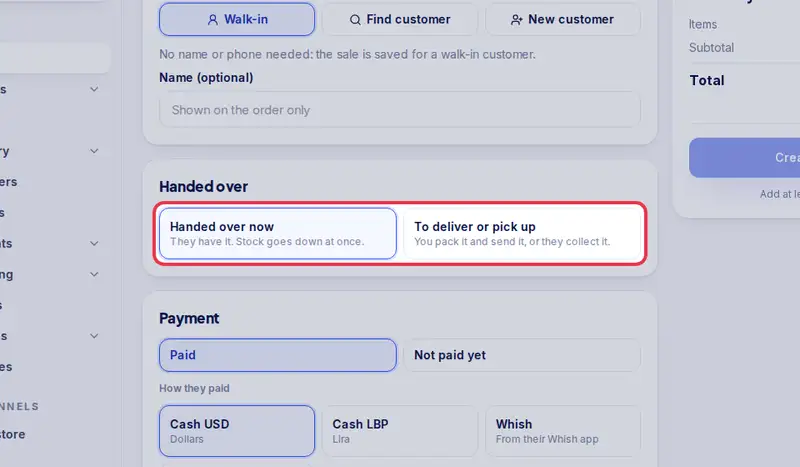
- Step 6: Under Handed over, tap Handed over now if they already have it, or To deliver or pick up and fill in the address or the pickup place.
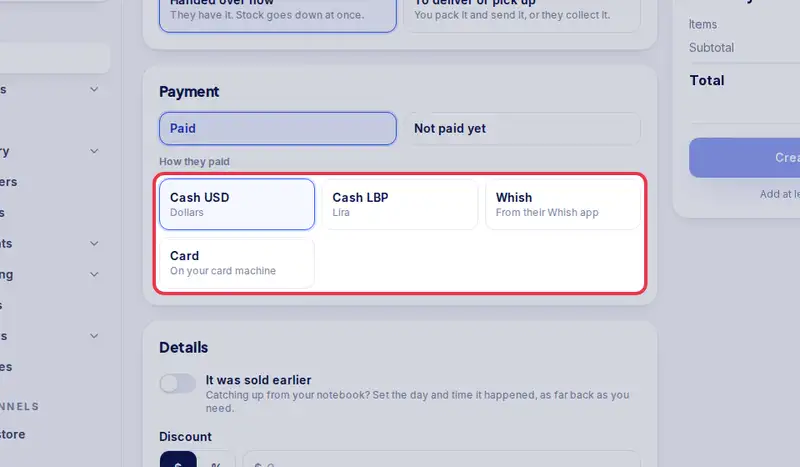
- Step 7: Under Payment, tap Paid or Not paid yet, then how they pay.
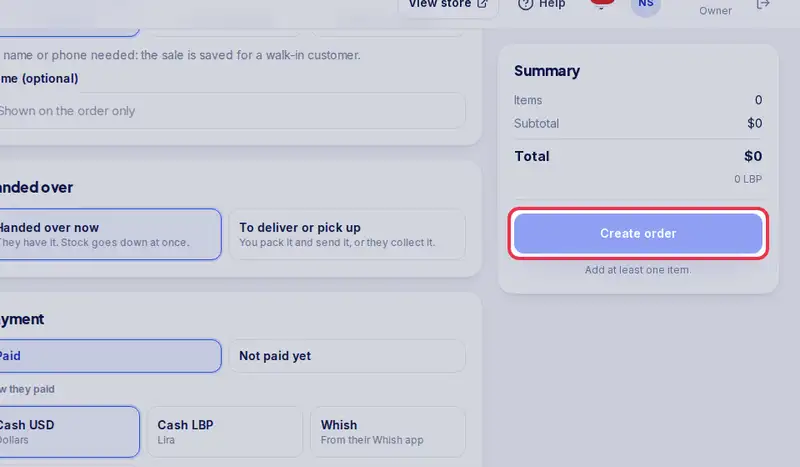
- Step 8: Check the Summary and tap Create order.