Orders and delivery
See your new orders
Know when a new order comes in and find the ones still to prepare.
Open this in your dashboard4 steps
New orders from your website appear in Orders on their own, with a short sound and a message at the bottom of the screen. A new order has a Confirm on WhatsApp button: it opens your own WhatsApp with the confirmation ready to send.
Step by step
- Step 1: Open Orders. On a phone, the red number on Orders is how many orders are still to prepare.
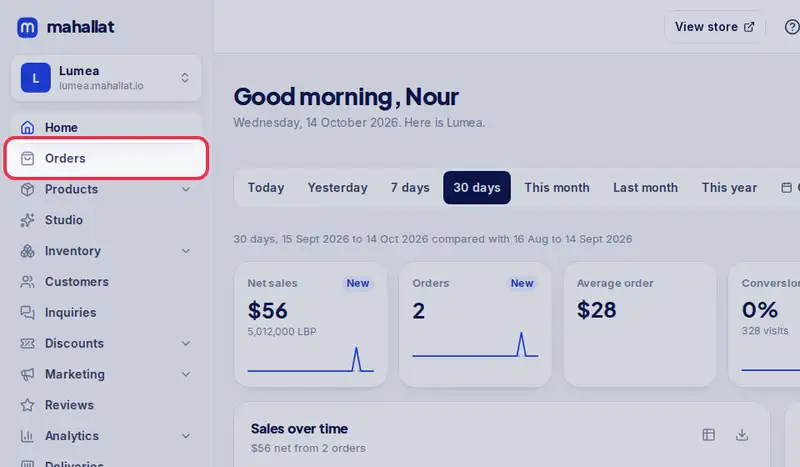
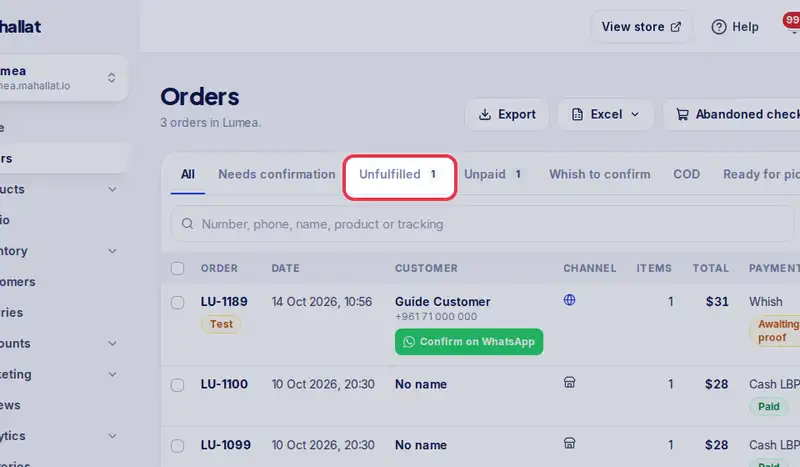
- Step 2: Tap the Unfulfilled tab to see only the orders you still have to pack and deliver. The number next to each tab is how many orders are in it.
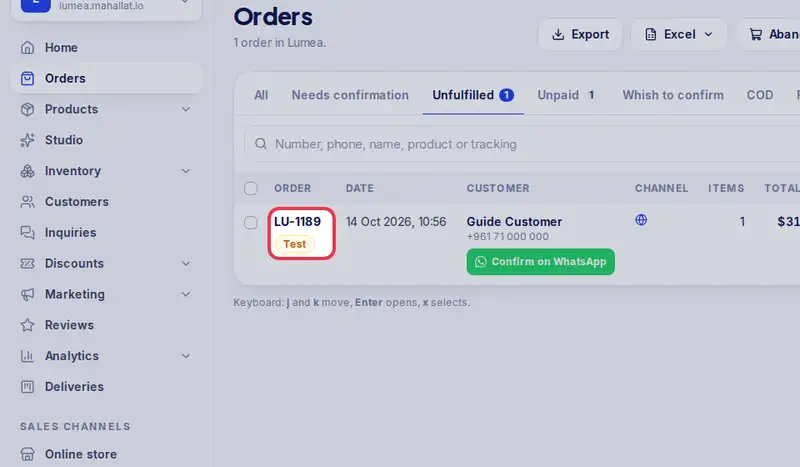
- Step 3: Tap an order number to open it.
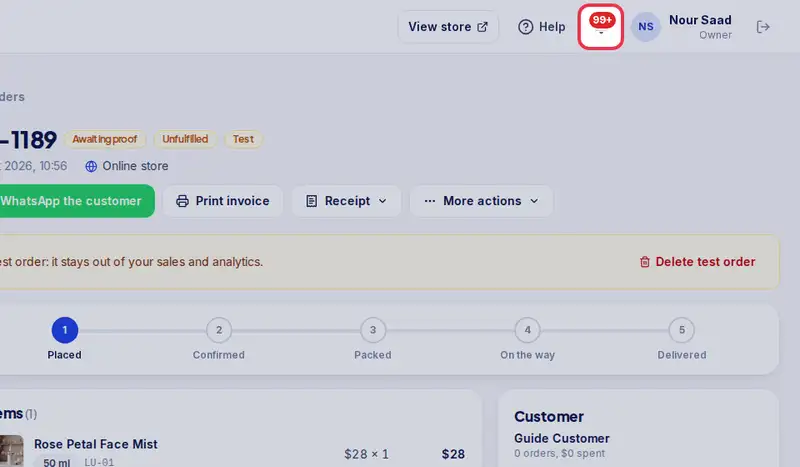
- Step 4: The bell at the top shows new orders and Whish screenshots too, wherever you are in the dashboard.