Customers
Group customers into segments
Build a list of customers who match your rules, for email campaigns and discounts.
Open this in your dashboard6 steps · Video
A segment is a saved filter, like "spent over $200 in Beirut". It updates by itself, and you can send an email campaign or a discount to it.
Watch the video
What the video says
- In this video, you build a group of customers who match your rules, ready for an email campaign or a discount.
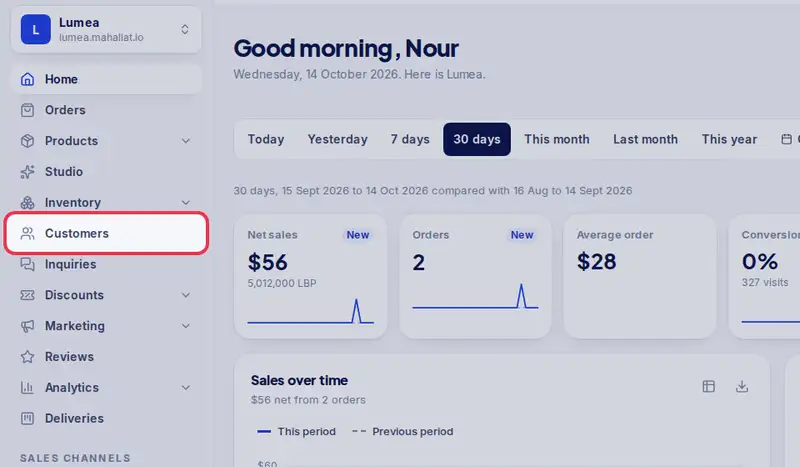
- Open Customers from the menu.
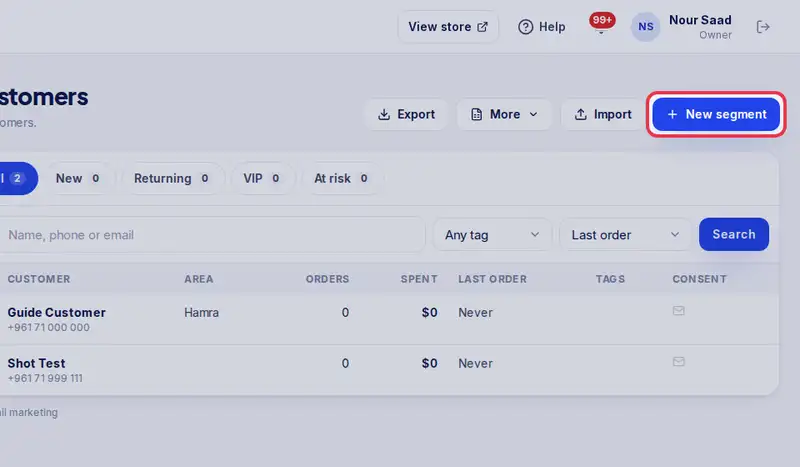
- Tap New segment.
- Give it a name, like Big spenders.
- Set the rules you need. Here, customers who spent at least two hundred dollars.
- Leave the rest on Any. The count shows who matches right now.
- Tap Save segment.
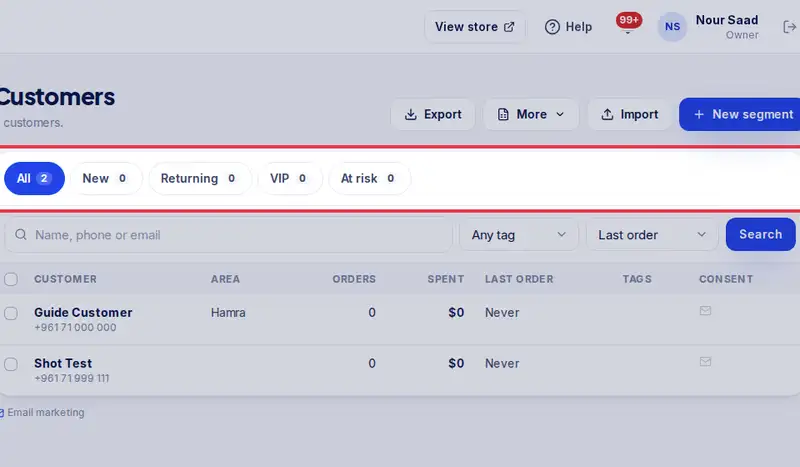
- It now sits with the chips above the list, and updates by itself. Tap it to see who is in it.
Step by step
- Step 1: Open Customers in the menu.
- Step 2: Tap New segment.
- Step 3: Give it a Segment name, like Big spenders in Beirut.
- Step 4: Set the rules you need: money spent, number of orders, last order, area, tags or products bought. Leave the rest on Any.
- Step 5: Tap Save segment.
- Step 6: Your segment now sits with the chips above the list. Tap it to see who is in it.