Customers
Find a customer and keep notes
Look someone up, message them on WhatsApp, and note what your team should remember.
Open this in your dashboard6 steps · Video
Everyone who orders online or by WhatsApp, and every customer you add when you create an order, is here. Orders placed without an account with the same phone number land on the same customer, with their orders, addresses and what they spent.
Watch the video
What the video says
- In this video, you look a customer up, see what they ordered, and leave a note and a tag for your team.
- Open Customers from the menu.
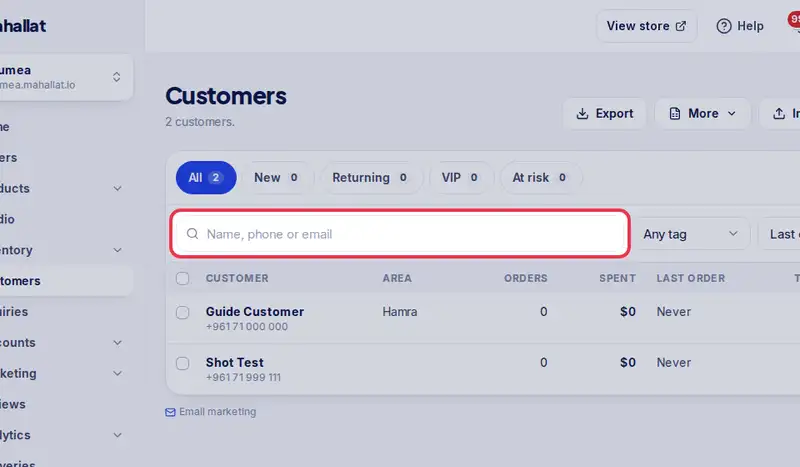
- Type a name, phone or email, and tap Search.
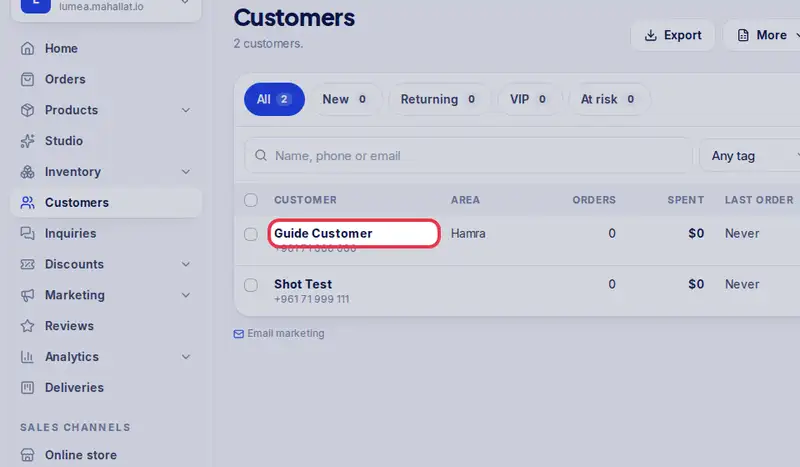
- Tap their name to open their page: their orders, addresses and what they spent.
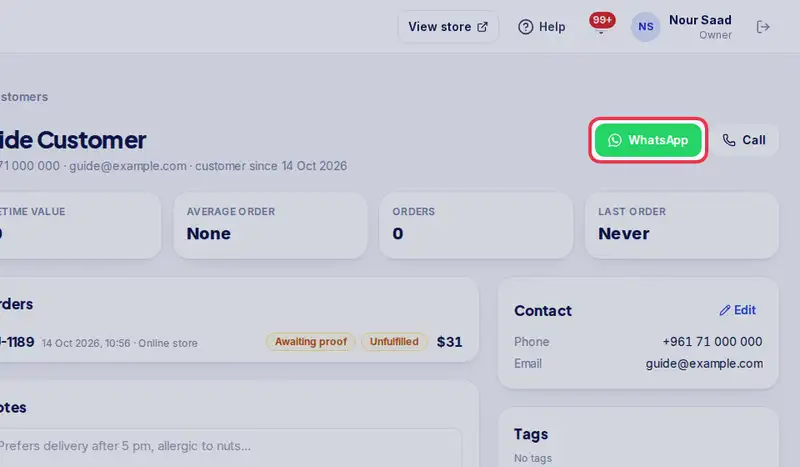
- WhatsApp opens a chat with them, already greeted from your store.
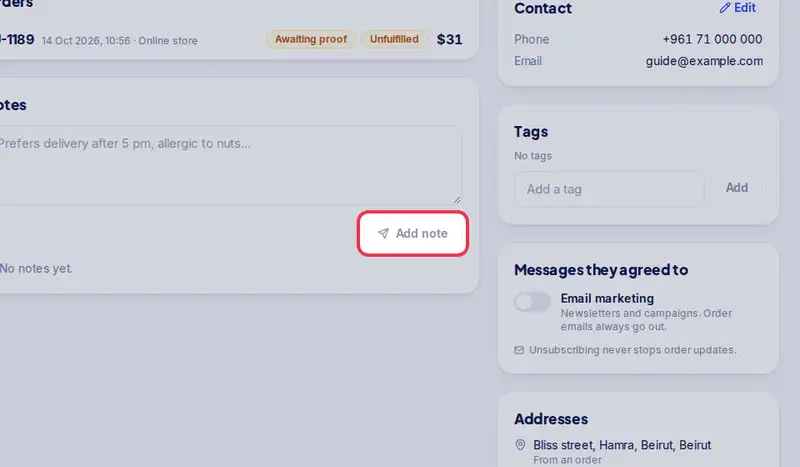
- Under Notes, write what your team should remember, then tap Add note.
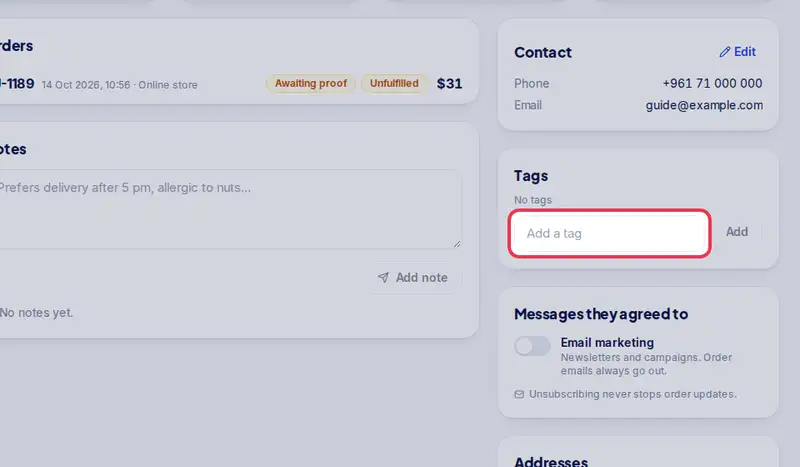
- Under Tags, type a tag like vip and tap Add. Tags help you filter and build segments.
Step by step
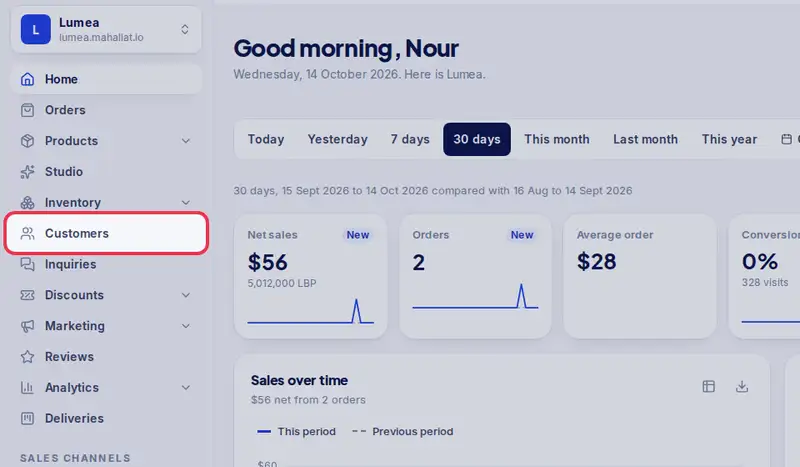
- Step 1: Open Customers in the menu.
- Step 2: Type a name, phone or email and tap Search.
- Step 3: Tap the customer's name to open their page.
- Step 4: Tap WhatsApp to open a chat with them, already greeted from your store.
- Step 5: Under Notes, write what the team should know, like "Prefers delivery after 5 pm", then tap Add note.
- Step 6: Under Tags, type a tag like vip or wholesale and tap Add. Tags help you filter and build segments.