Customers
Import or export your customers
Bring your customer list in from Excel or Shopify, or download it any time.
Open this in your dashboard6 steps · Video
Bring in up to 5,000 customers at once from a .csv or .xlsx file. Customers with the same phone are updated, never duplicated.
Watch the video
What the video says
- In this video, you bring your customer list in from a spreadsheet, and download it again.
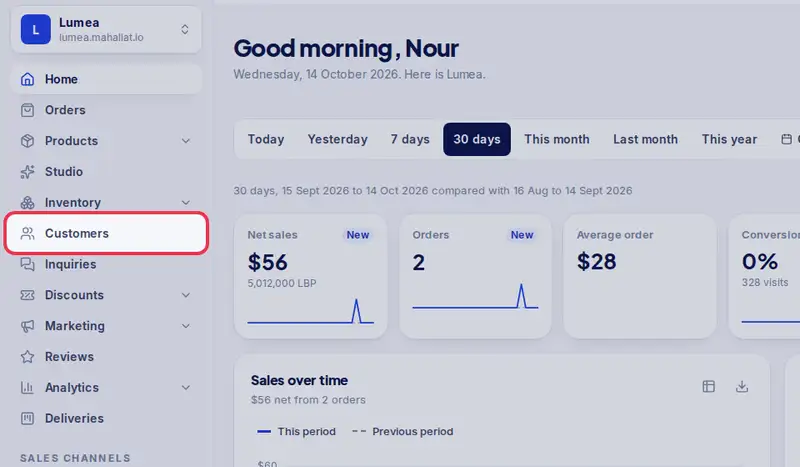
- Open Customers from the menu.
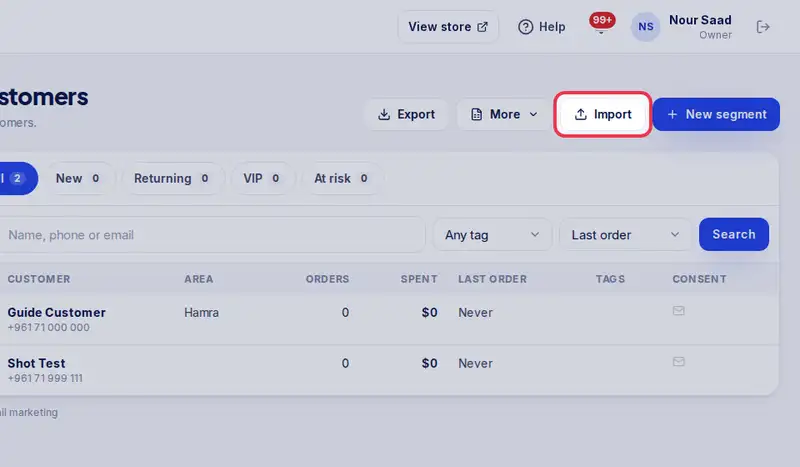
- Tap Import.
- Tap the box and choose your file, a CSV or an Excel sheet. A Shopify export works as it is.
- Under Which column is which, match your columns. Phone is the only one you need.
- Check how many rows are ready, then tap Import. Someone with the same phone is updated, never doubled.
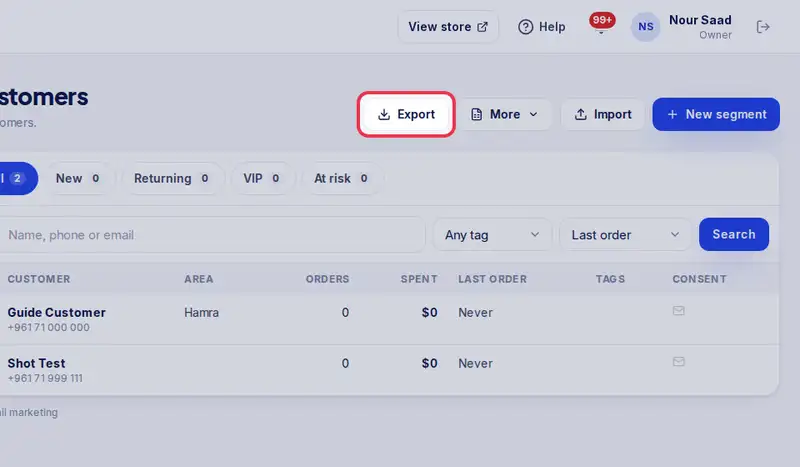
- To download your list any time, tap Export.
Step by step
- Step 1: Open Customers in the menu.
- Step 2: Tap Import.
- Step 3: Tap the box and choose your file. A Shopify customers export works as it is.
- Step 4: Under Which column is which?, match your columns. Phone is required.
- Step 5: Check how many rows are ready, then tap Import.
- Step 6: To download your list, tap Export on the Customers page.