Discounts and marketing
Your marketing at a glance
See abandoned carts, email campaigns, subscribers and your product feeds in one place.
Open this in your dashboard6 steps
The Marketing page has one card per tool, each with its latest number. Tap a card to open it.
Step by step
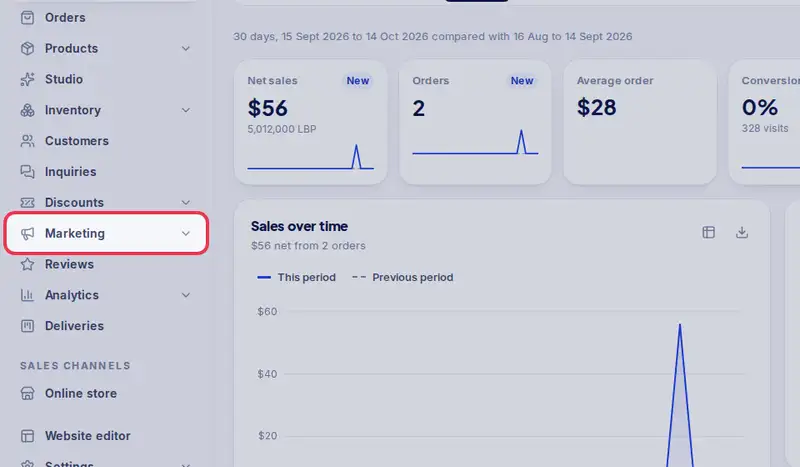
- Step 1: Open Marketing in the menu.
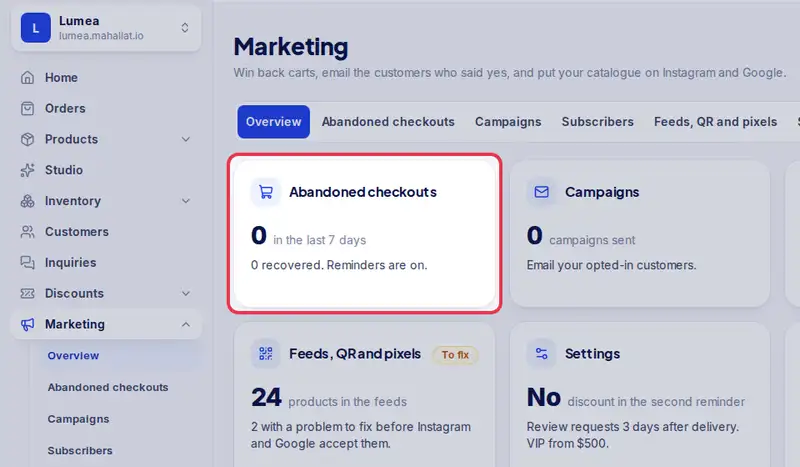
- Step 2: Abandoned checkouts: people who left the checkout in the last 7 days, and how many came back.
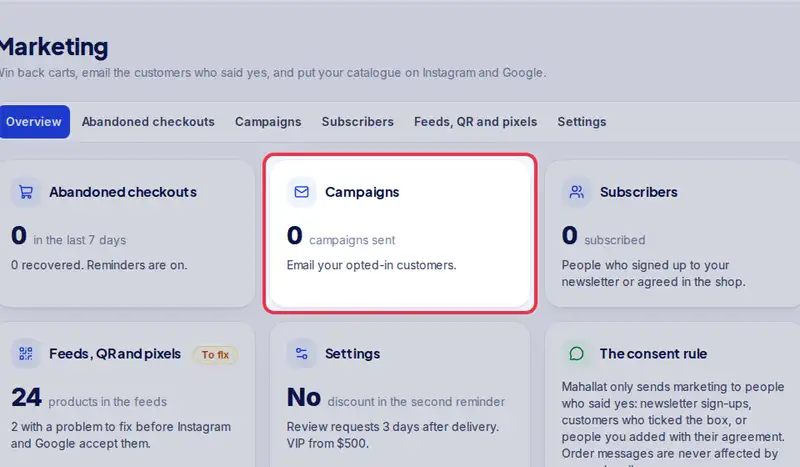
- Step 3: Campaigns: emails to the customers and subscribers who said yes.
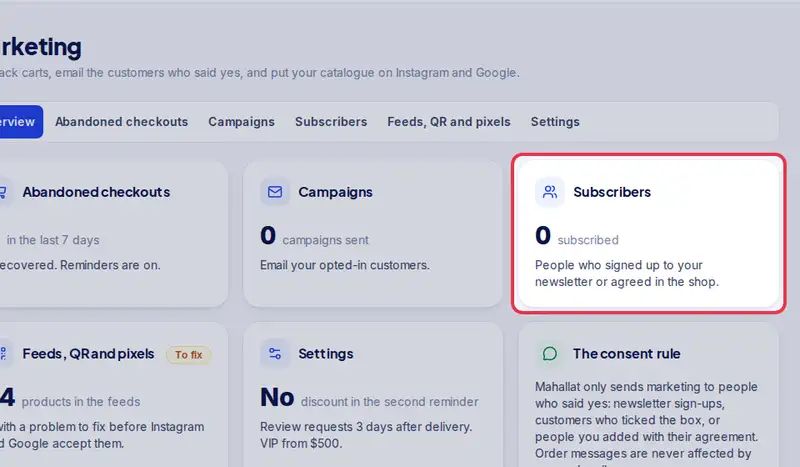
- Step 4: Subscribers: people who signed up for your news.
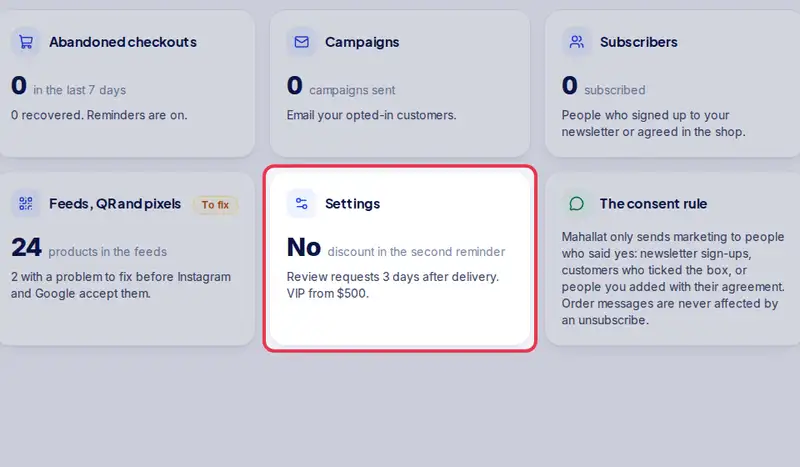
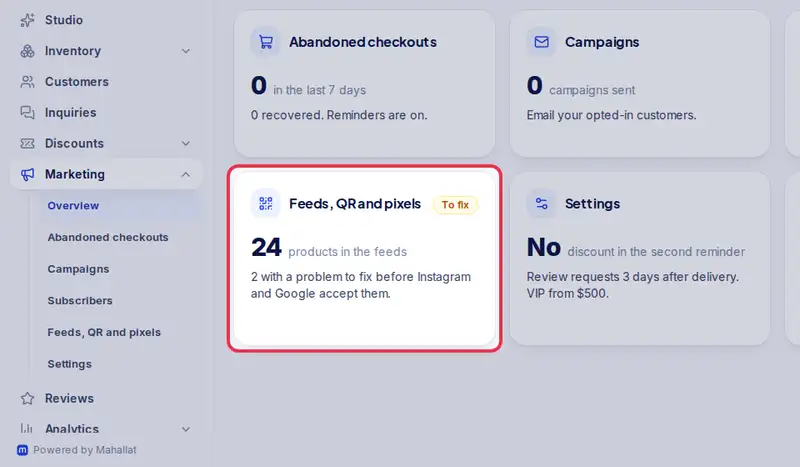
- Step 5: Feeds, QR and pixels: your catalogue on Instagram and Google, QR codes, story images and ad tracking.
- Step 6: Settings: cart reminder emails, review requests and your VIP and At risk groups.