Discounts and marketing
Set cart reminders and review requests
Choose how Mahallat follows up with customers by email, on its own.
Open this in your dashboard6 steps · Video
These settings run by themselves in the background: reminder emails for abandoned carts, a review request email after delivery, and your customer groups.
Watch the video
What the video says
- In this video, you choose the emails Mahallat sends on its own: cart reminders and review requests.
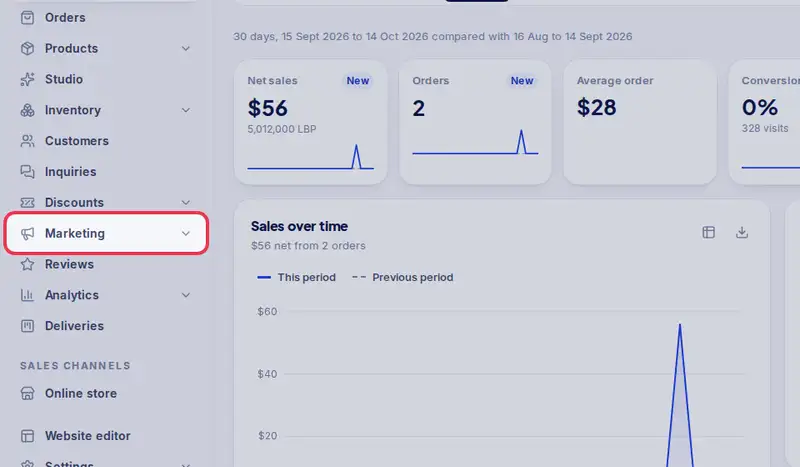
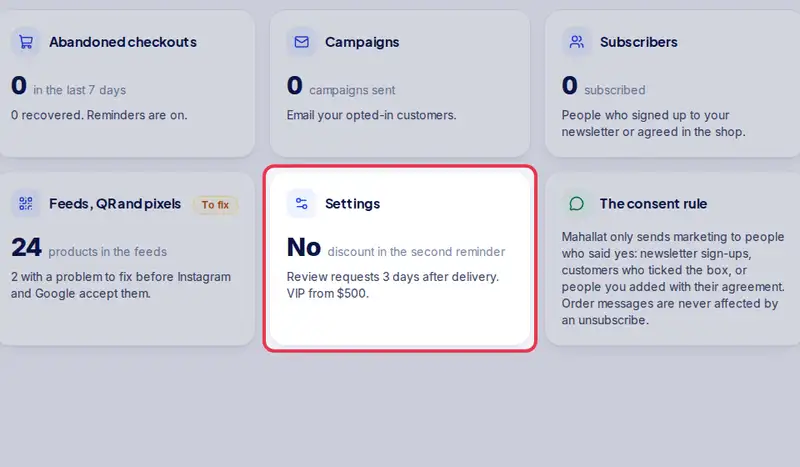
- Open Marketing from the menu, then Settings.
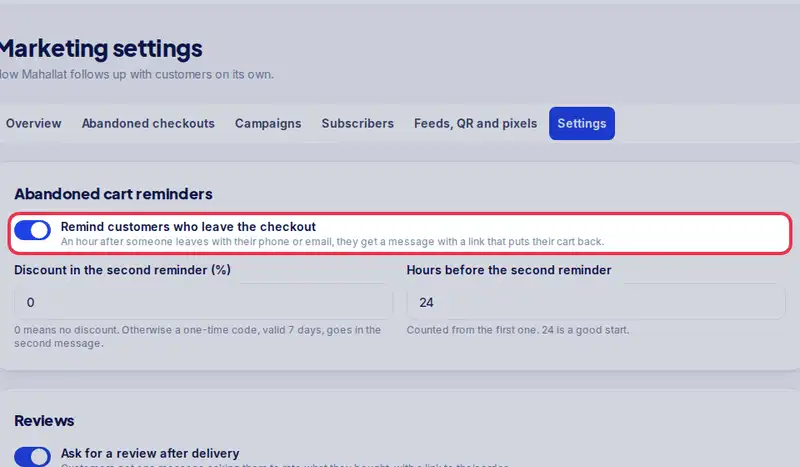
- Turn on Remind customers who leave the checkout.
- Set the discount in the second reminder, and the hours before it goes.
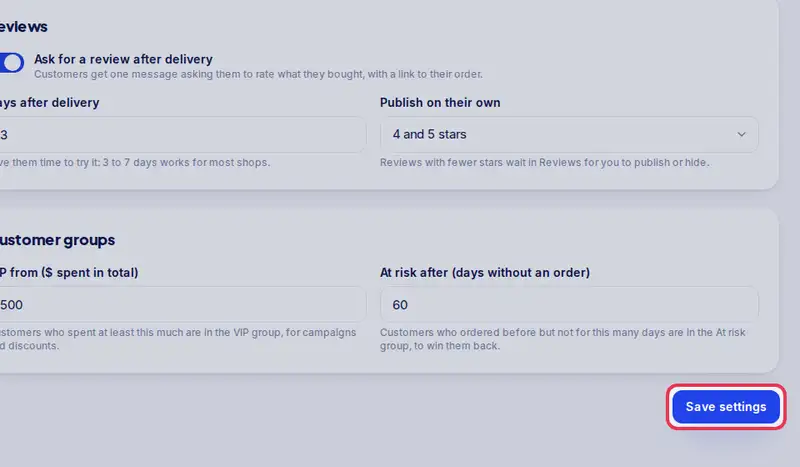
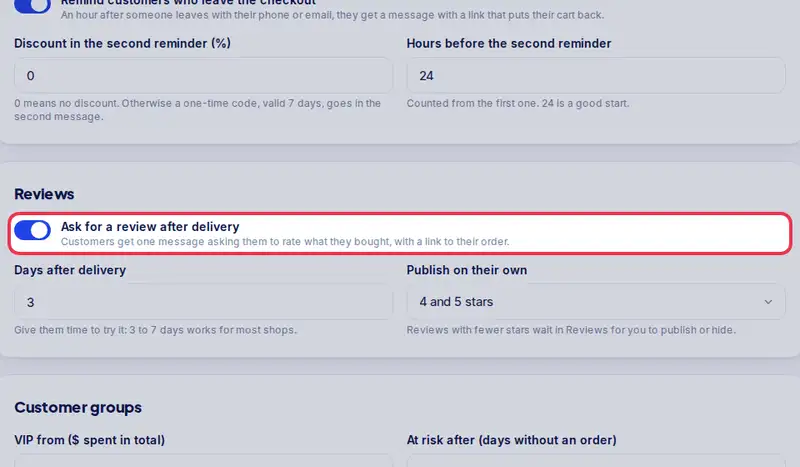
- Turn on Ask for a review after delivery, and choose how many days after.
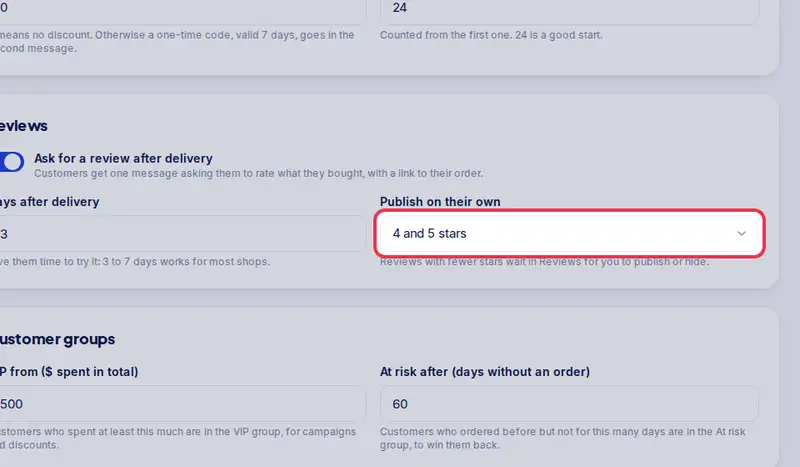
- Choose which reviews go live without you, for example four and five stars.
- Set your VIP and At risk limits, then tap Save settings.
- These run by themselves in the background from now on.
Step by step
- Step 1: Open Marketing in the menu.
- Step 2: Tap Settings.
- Step 3: Turn on Remind customers who leave the checkout, then set the discount and the hours before the second reminder.
- Step 4: Turn on Ask for a review after delivery, and choose how many days after.
- Step 5: Under Publish on their own, choose which reviews go live without you, for example 4 and 5 stars.
- Step 6: Set the VIP and At risk limits under Customer groups, then tap Save settings.