Discounts and marketing
Make QR codes and Instagram story cards
Print a QR code for your shop window and post products as ready-made stories.
Open this in your dashboard6 steps · Video
A QR code takes people straight to your store, a product or a collection. A story card is a ready 1080 x 1920 image of a product with its price in dollars and lira.
Watch the video
What the video says
- In this video, you make a QR code for your shop window and a ready Instagram story for a product.
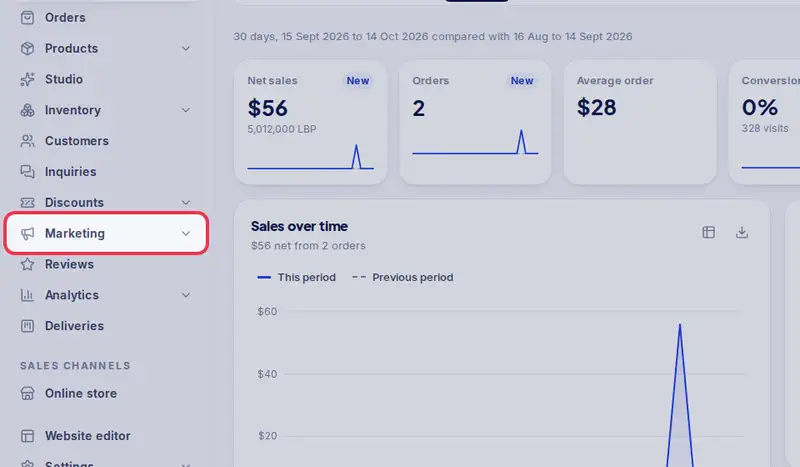
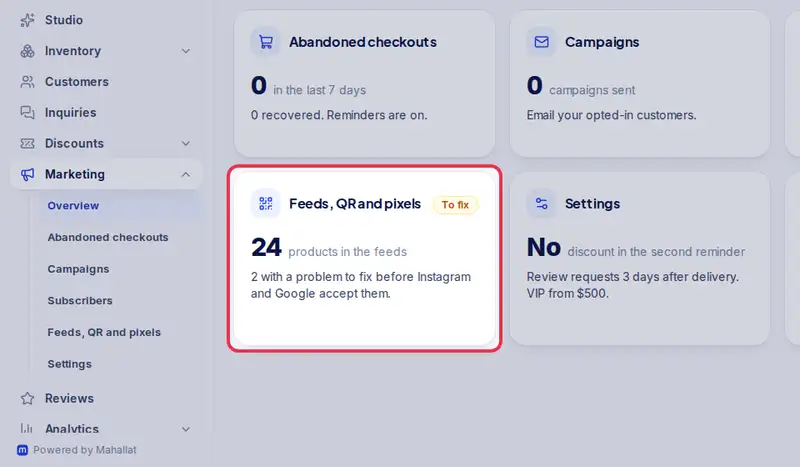
- Open Marketing from the menu, then Feeds, QR and pixels.
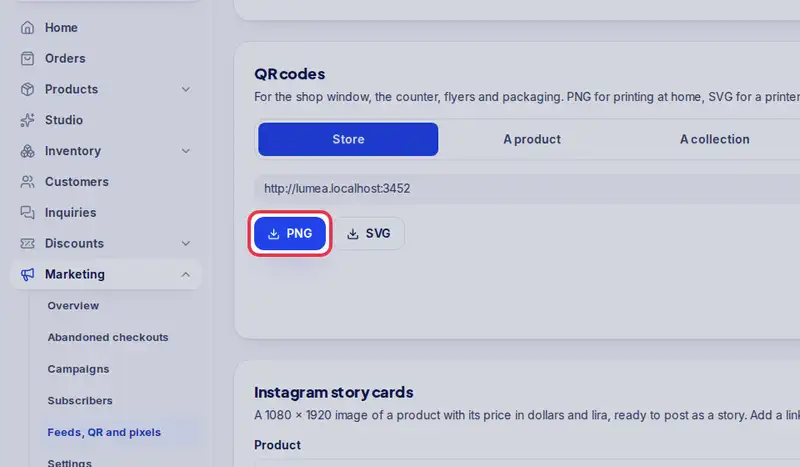
- Under QR codes, choose what it opens: your store, a product or a collection.
- Tap PNG to print it at home, or SVG for a print shop.
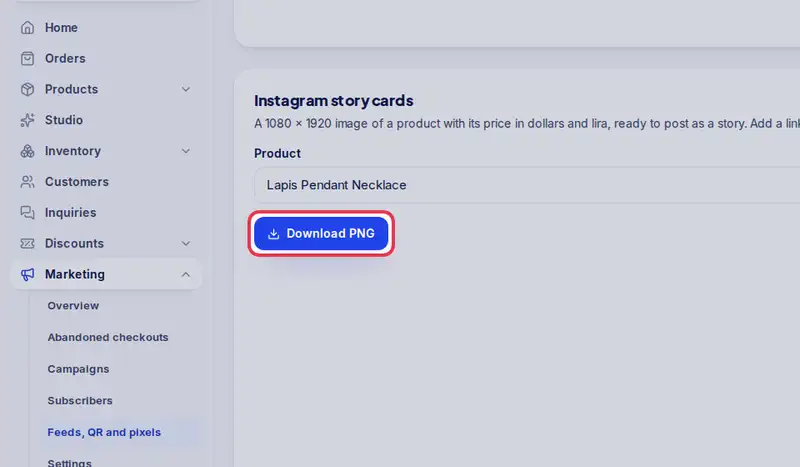
- Under Instagram story cards, pick a product.
- The card shows the photo and the price, in dollars and in lira.
- Tap Download PNG, then post it as a story with a link to the product.
Step by step
- Step 1: Open Marketing in the menu.
- Step 2: Tap Feeds, QR and pixels.
- Step 3: Under QR codes, choose Store, A product or A collection, and pick which one.
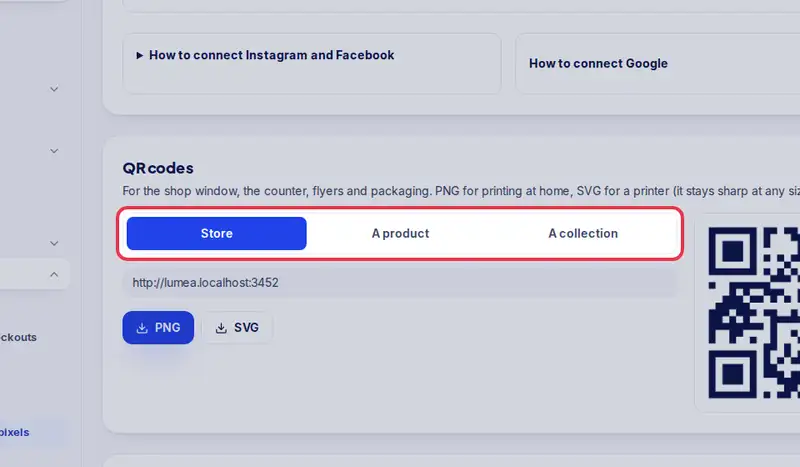
- Step 4: Tap PNG to print at home, or SVG for a print shop.
- Step 5: Under Instagram story cards, pick a Product.
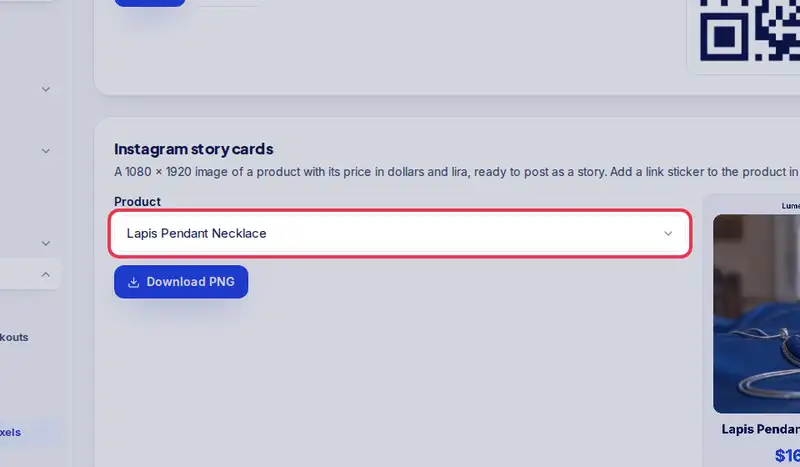
- Step 6: Tap Download PNG, then post it as a story with a link sticker to the product.