Discounts and marketing
Pause or resume a discount
Stop a discount for a while without losing it, then turn it back on.
Open this in your dashboard3 steps · Video
Pausing stops a discount at once on your online store. Its numbers and codes stay, so you can resume it later.
Watch the video
What the video says
- In this video, you pause a discount for a while without losing it, then turn it back on.
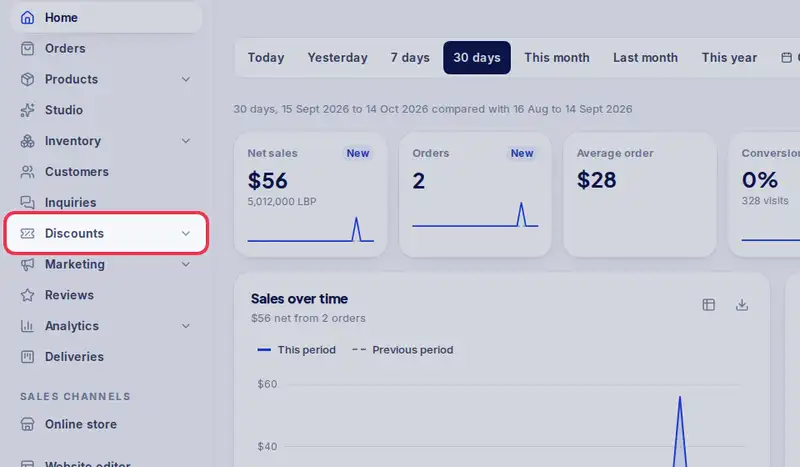
- Open Discounts from the menu.
- Tap the discount's title to open it.
- Tap Pause. The code stops working on your store at once.
- Its numbers and codes stay. The same button now says Resume.
- Tap Resume when you want it back.
- You can also pause from the list, with the three dots at the end of the row.
Step by step
- Step 1: Open Discounts in the menu.
- Step 2: Tap the discount's title to open it.
- Step 3: Tap Pause. The same button says Resume when you want it back.