Inventory
Check your stock levels
See how many of each product you have, where, and what is running low.
Open this in your dashboard5 steps
The Stock page shows every product that tracks its quantity: what is on the shelf, what is reserved for orders and what is on the way.
Step by step
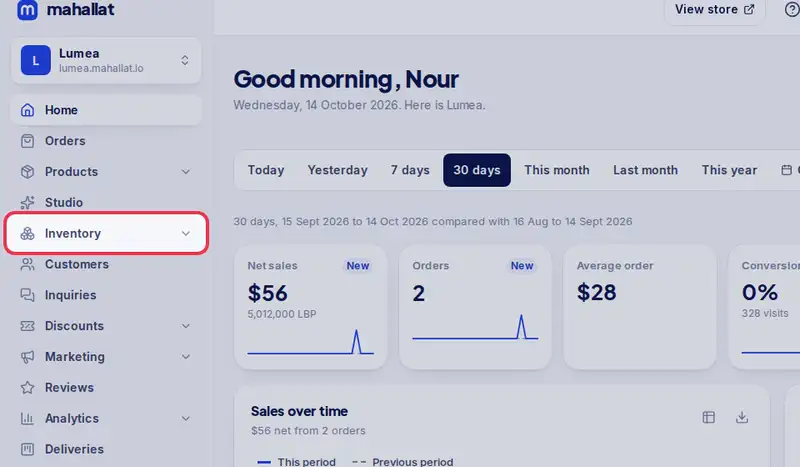
- Step 1: Open Inventory in the menu.
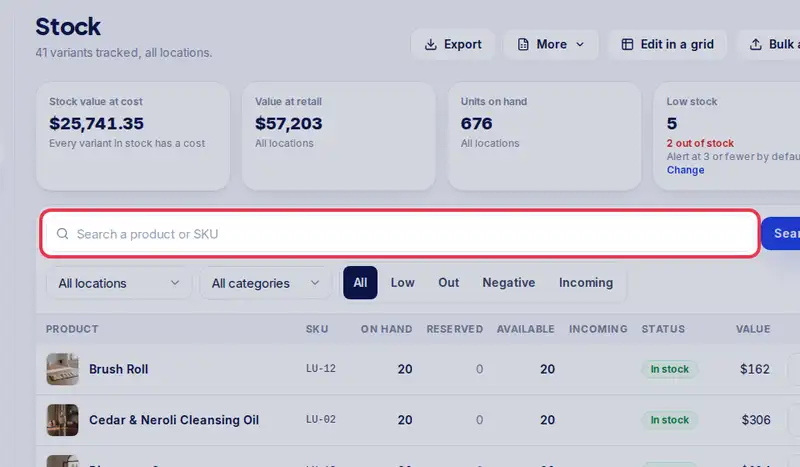
- Step 2: Type a product name, SKU or barcode in the search box and tap Search.
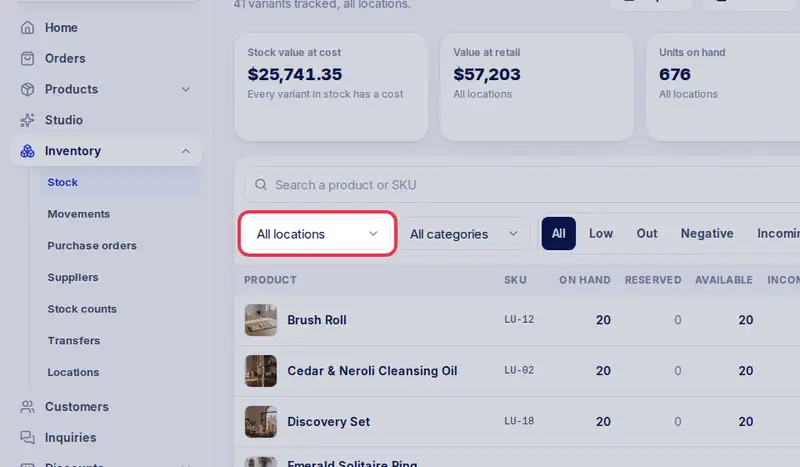
- Step 3: Pick a shop or warehouse to see only its stock, or keep All locations.
- Step 4: Tap Low or Out to see what needs reordering. Incoming shows what is on a purchase order.
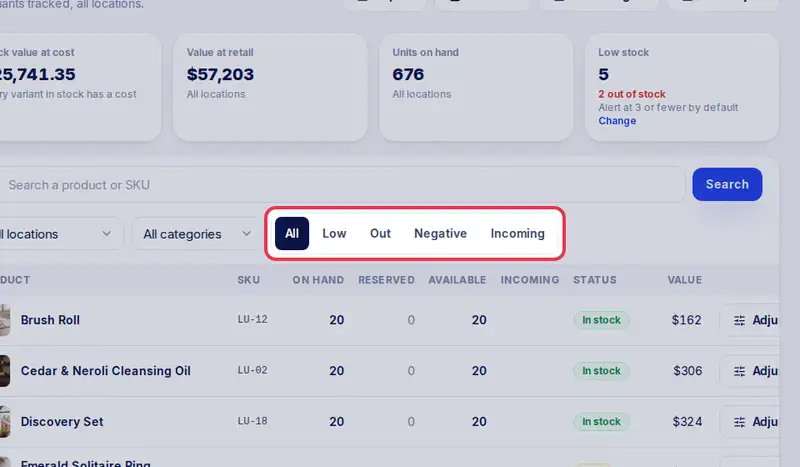
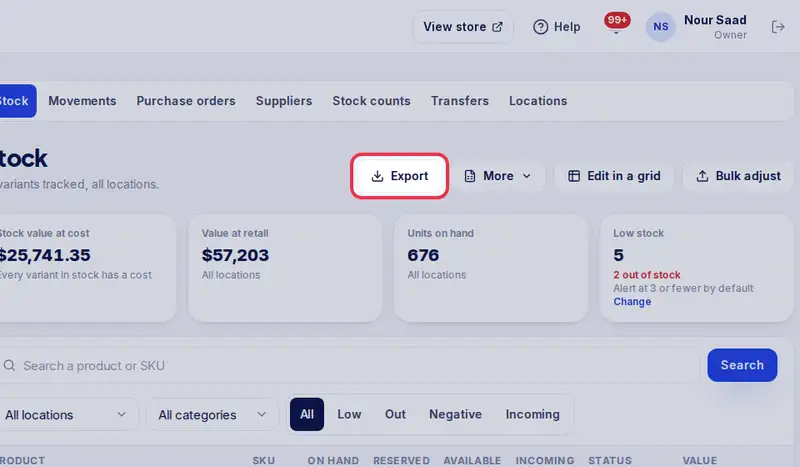
- Step 5: Tap Export to download the list as a spreadsheet.