Inventory
Add your suppliers
Save the people you buy from, with their WhatsApp and delivery time.
Open this in your dashboard6 steps · Video
Save each supplier once. Their delivery time fills in the expected date of your purchase orders, and their WhatsApp is one tap away.
Watch the video
What the video says
- In this video, you save a supplier you buy from, with their WhatsApp and how long they take to deliver.
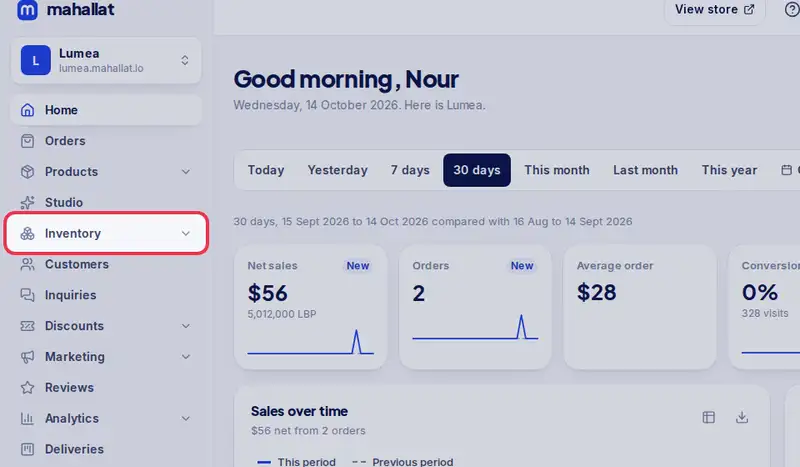
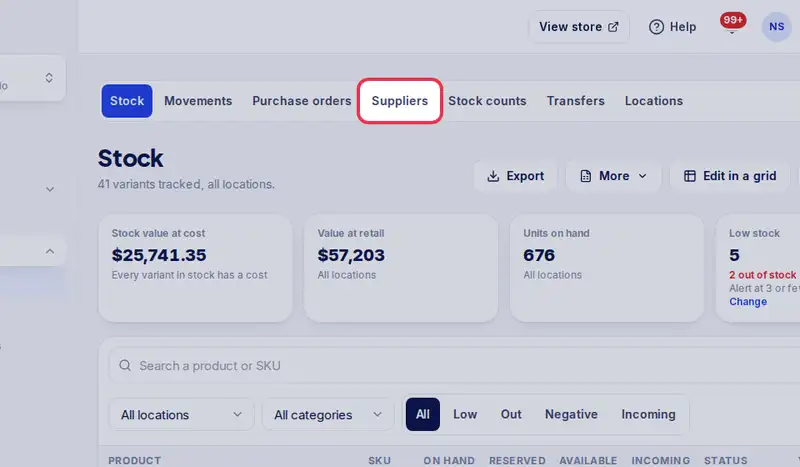
- Open Inventory, then the Suppliers tab.
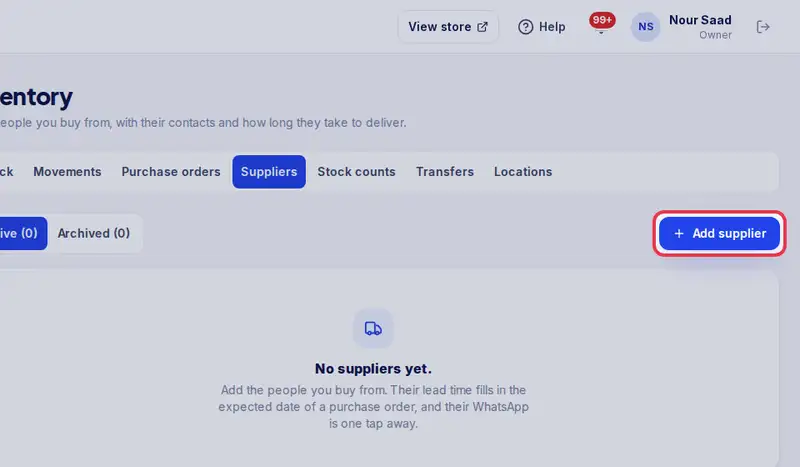
- Tap Add supplier.
- Type the supplier's name and the person you deal with.
- Add how many days they usually take to deliver. It fills in your purchase orders.
- And their WhatsApp number.
- Tap Save supplier.
- Now tap WhatsApp on a supplier any time to open their chat.
Step by step
- Step 1: Open Inventory in the menu.
- Step 2: Tap the Suppliers tab.
- Step 3: Tap Add supplier.
- Step 4: Type the Supplier name, then the contact person, Default lead time (days) and their WhatsApp number.
- Step 5: Tap Save supplier.
- Step 6: Tap WhatsApp on a supplier any time to open their chat.