Settings
Find your way around Settings
Your contact details, the lira rate, and where delivery, payments and your team live.
Open this in your dashboard6 steps
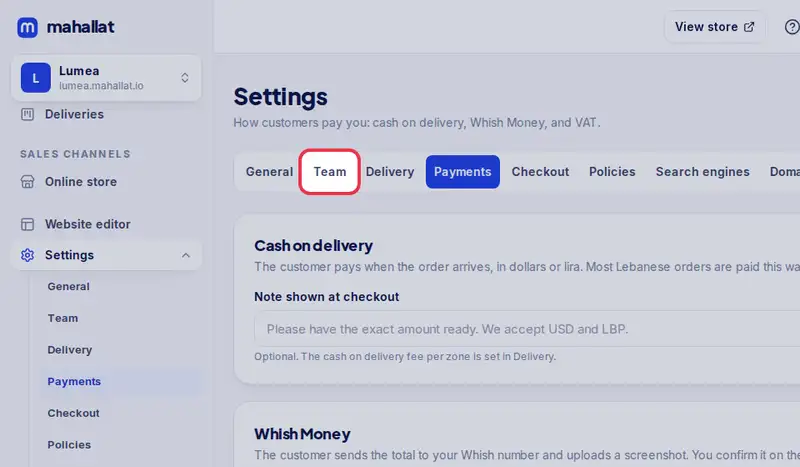
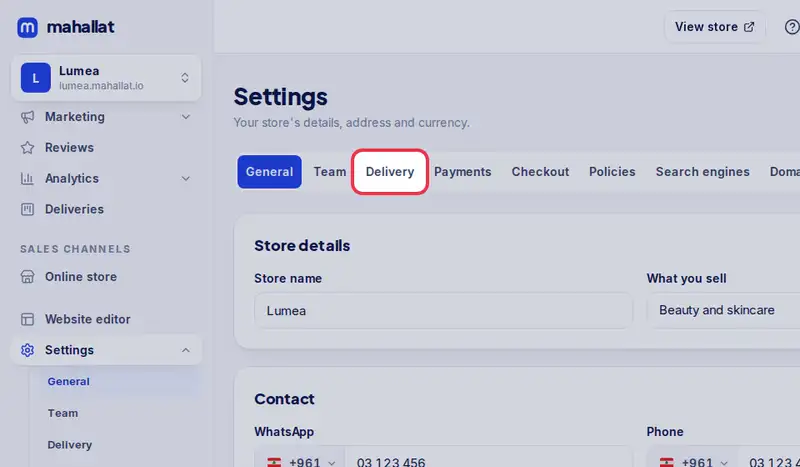
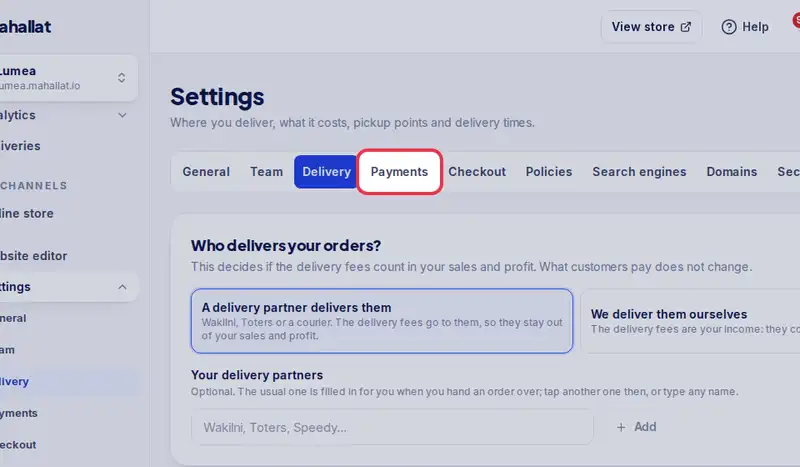
Settings starts on General: your store's name, contact details and lira rate. The tabs at the top lead to everything else.
Step by step
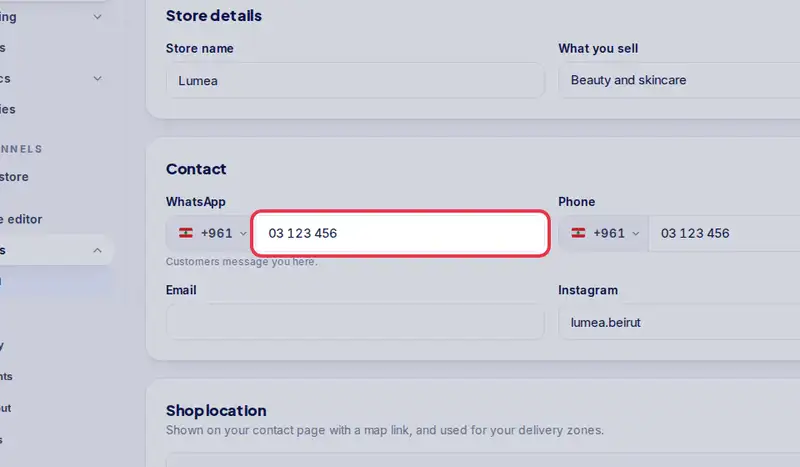
- Step 1: Your WhatsApp number: customers message you here, and it shows on your store.
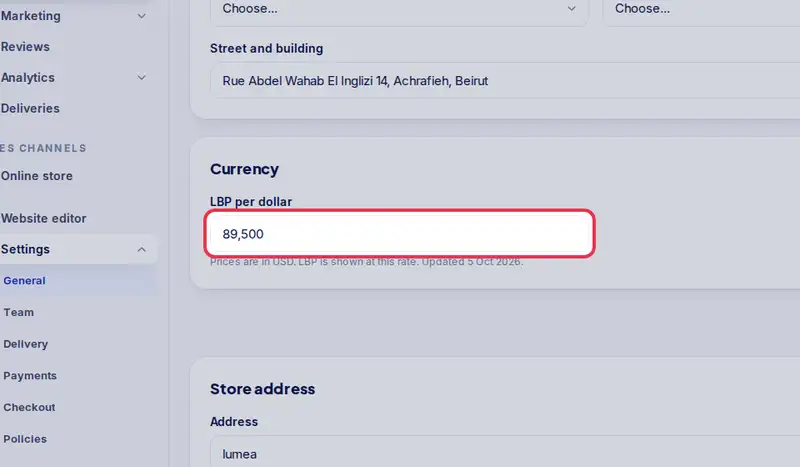
- Step 2: LBP per dollar: your prices are in dollars, and customers also see them in lira at this rate. Update it when the rate moves.
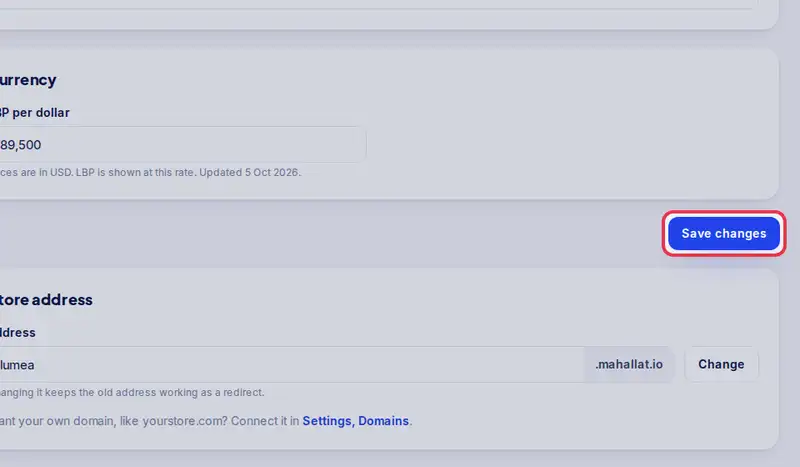
- Step 3: Tap Save changes after any change on this page.
- Step 4: Delivery: your delivery zones and fees, pickup and time slots.
- Step 5: Payments: cash on delivery and Whish.
- Step 6: Team: invite your staff and accountant.