Settings
Update your store details and lira rate
Change your store name, contact details and the LBP rate customers see.
Open this in your dashboard5 steps · Video
These details appear on your store, your invoices and the emails customers receive.
Watch the video
What the video says
- In this video, you check your store's contact details and set the lira rate customers see.
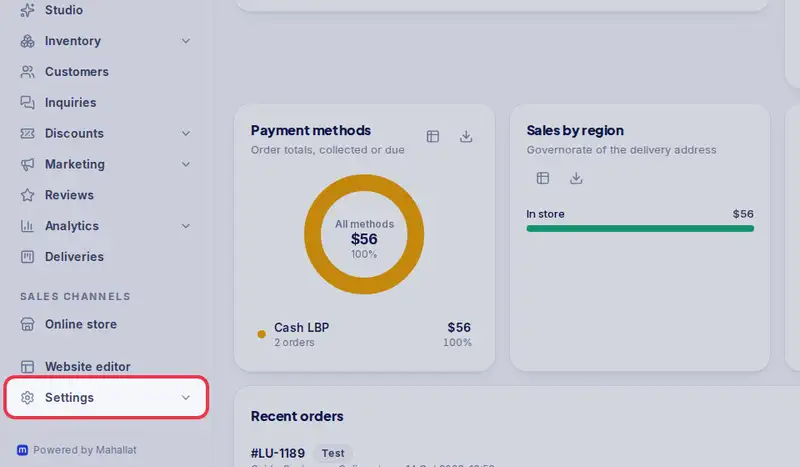
- Open Settings from the menu. It opens on General.
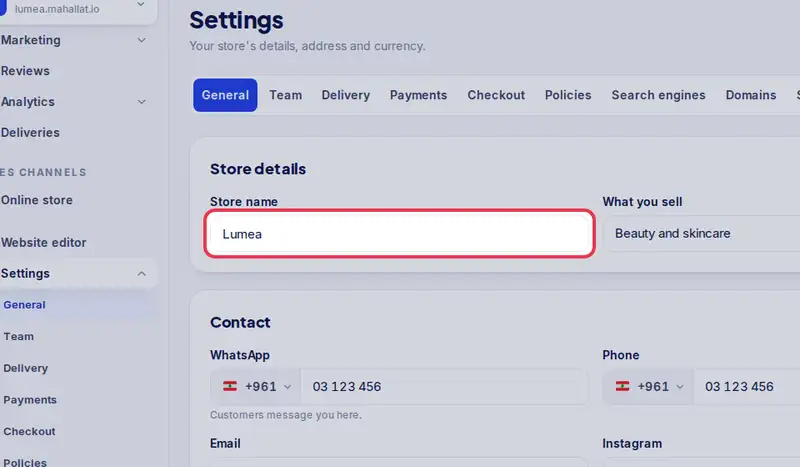
- Your store name shows on your store, your invoices and your emails.
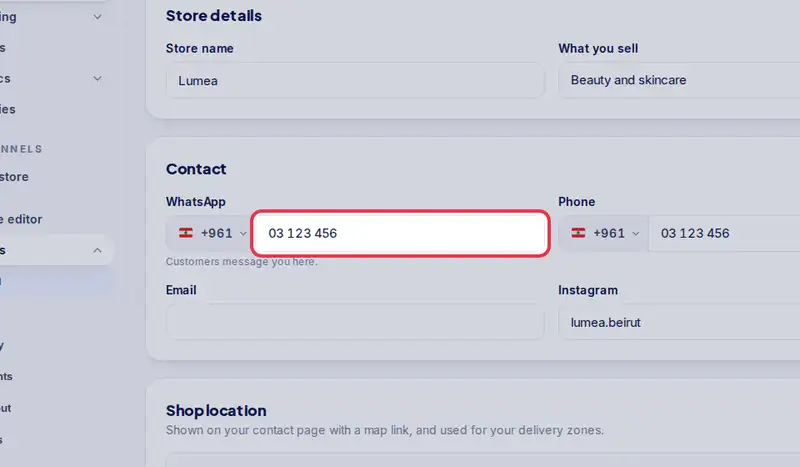
- Under Contact, fill in your WhatsApp, phone, email, Instagram and address.
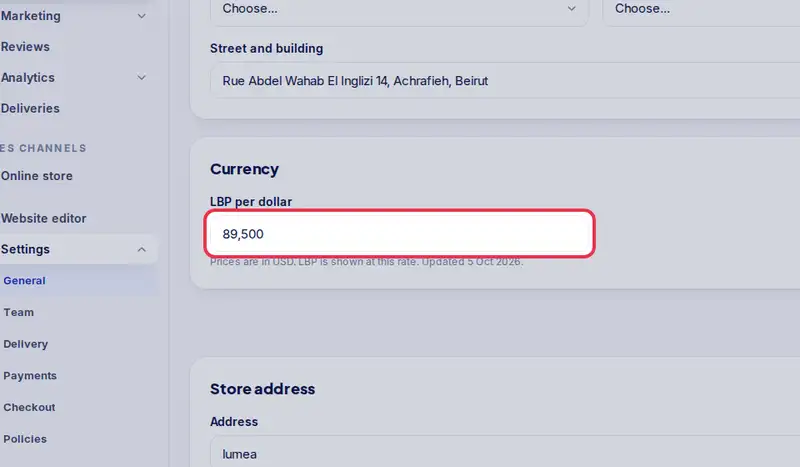
- Set LBP per dollar, your rate today.
- Your prices stay in dollars. Only the lira amounts customers see change.
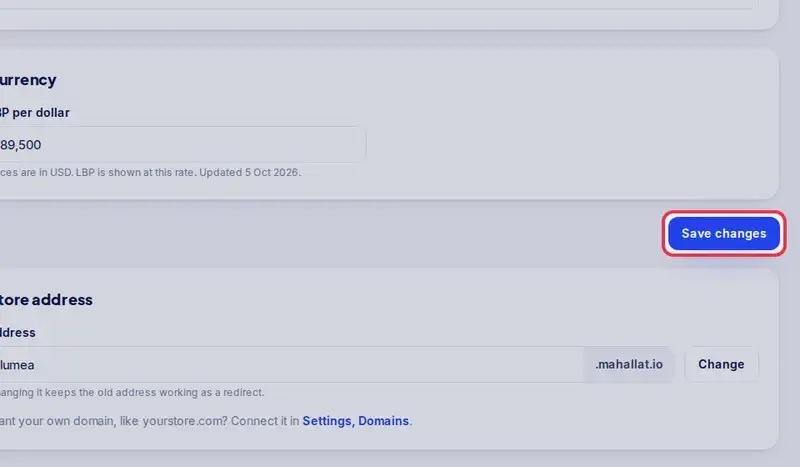
- Tap Save changes.
- Saved. The lira prices on your store use the new rate.
Step by step
- Step 1: Open Settings. It opens on General.
- Step 2: Change your Store name if needed.
- Step 3: Under Contact, fill in your WhatsApp, phone, email, Instagram and address.
- Step 4: Set LBP per dollar, for example 89,500.
- Step 5: Tap Save changes.