Settings
Edit your store policies
Change your delivery, returns, privacy and terms pages.
Open this in your dashboard5 steps · Video
Your store has four policy pages: Delivery, Returns and exchanges, Privacy and Terms of sale. Customers find them in your store's footer.
Watch the video
What the video says
- In this video, you edit your returns policy, one of the four policy pages in your store's footer.
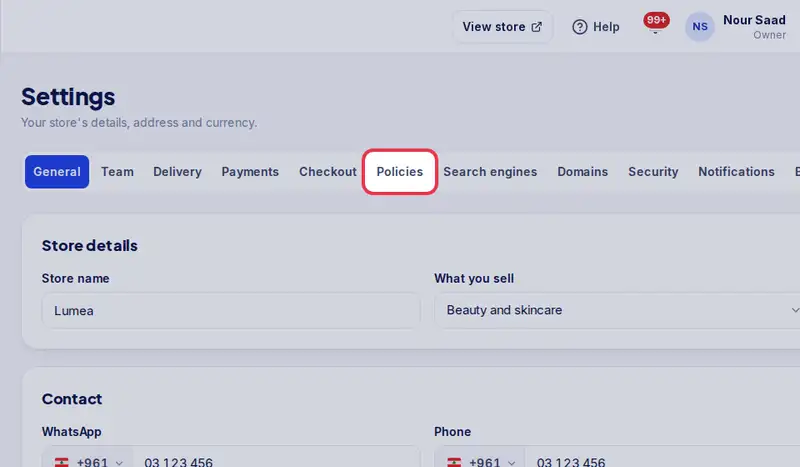
- Open Settings, then the Policies tab.
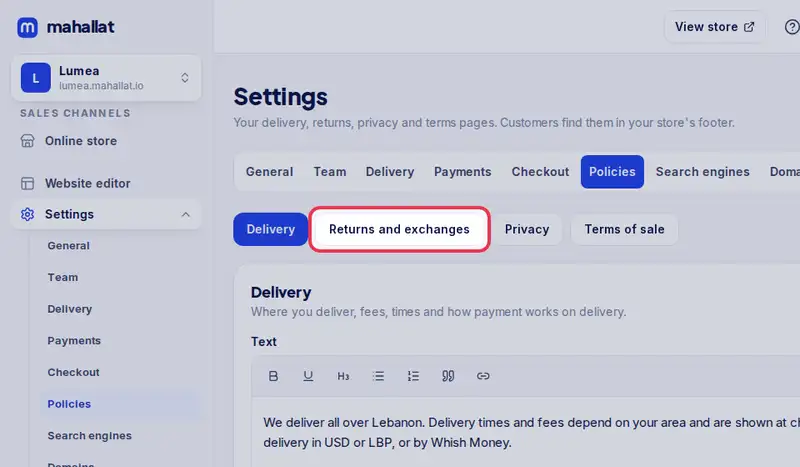
- Choose the page to change, here Returns and exchanges.
- Edit the text. Select words to make them bold, or use the list buttons.
- Use the template fills the page from your delivery zones, payments and contact details.
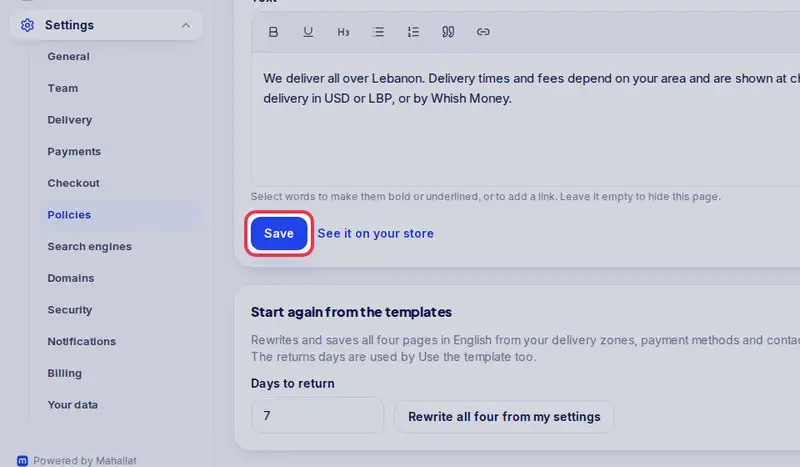
- Tap Save. Customers see it in your store's footer.
Step by step
- Step 1: Open "Settings".
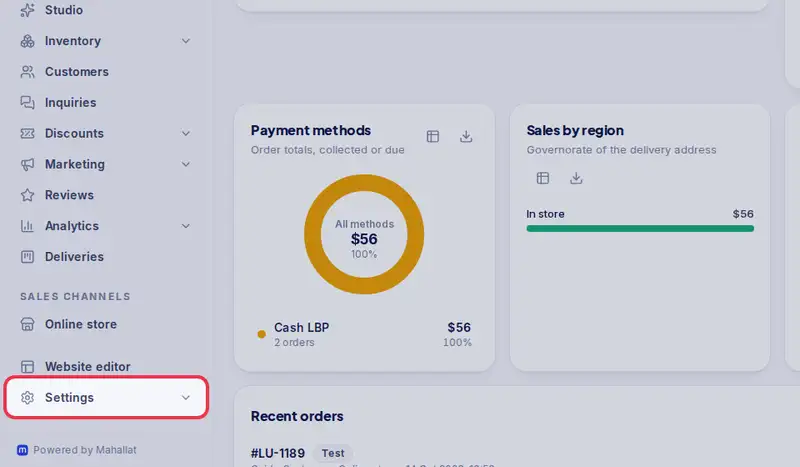
- Step 2: Tap the "Policies" tab.
- Step 3: Choose the page you want to change, for example "Returns and exchanges".
- Step 4: Edit the text. Select words to make them bold or underlined or to add a link, and use the list buttons for lists. Use the template fills this page from your delivery zones and fees, payment methods and contact details; check it, then click Save.
- Step 5: Tap "Save".